01TalkalaCalling real mobile and landline numbers abroadRecommended
02WhatsAppFree app-to-app calls
03Viber OutInternational calls from an app
04RebtelCountry-specific plans
Top picks
Quick picks by calling need
Best for calling real numbers abroad
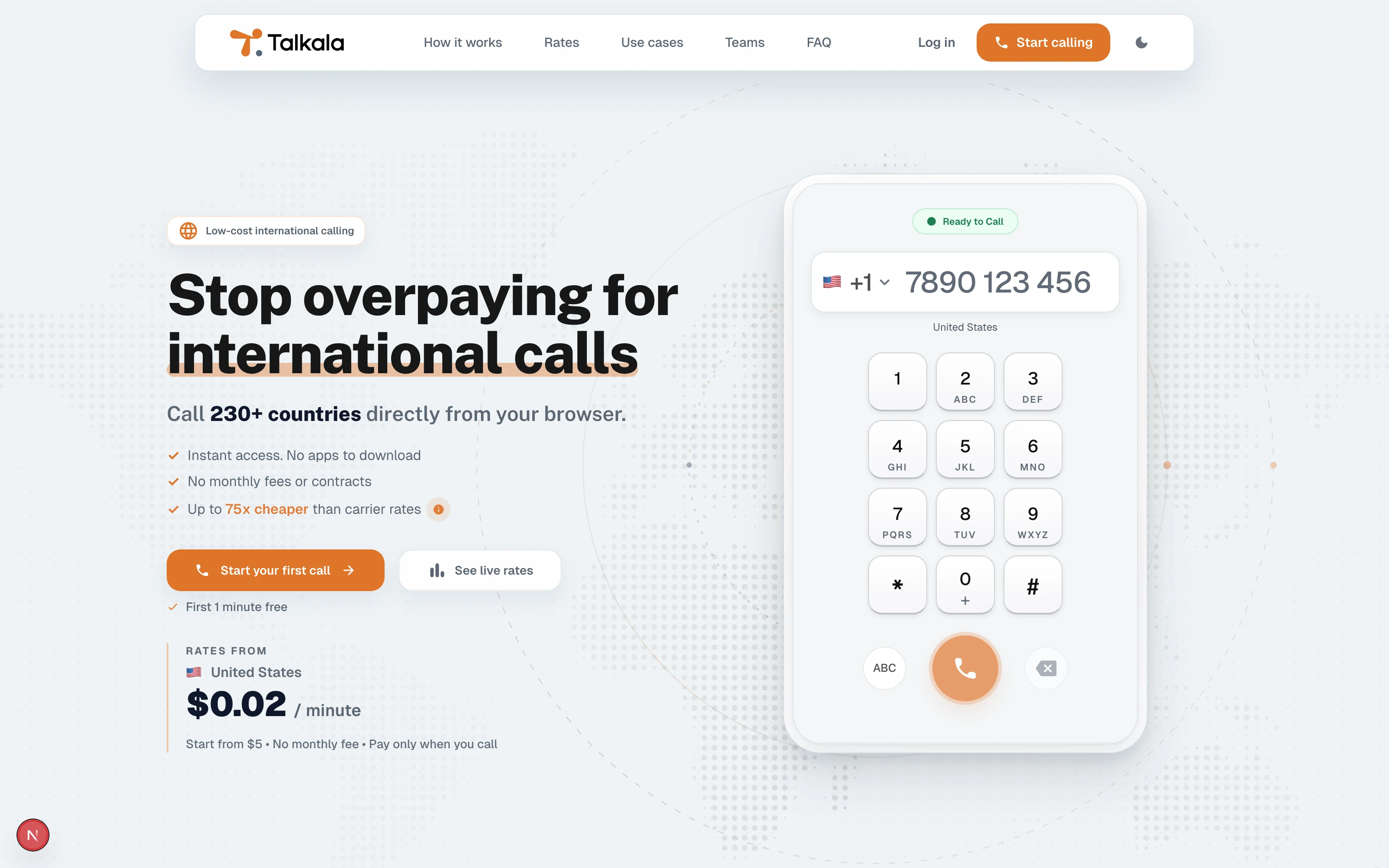
Talkala
Best for free app-to-app calls
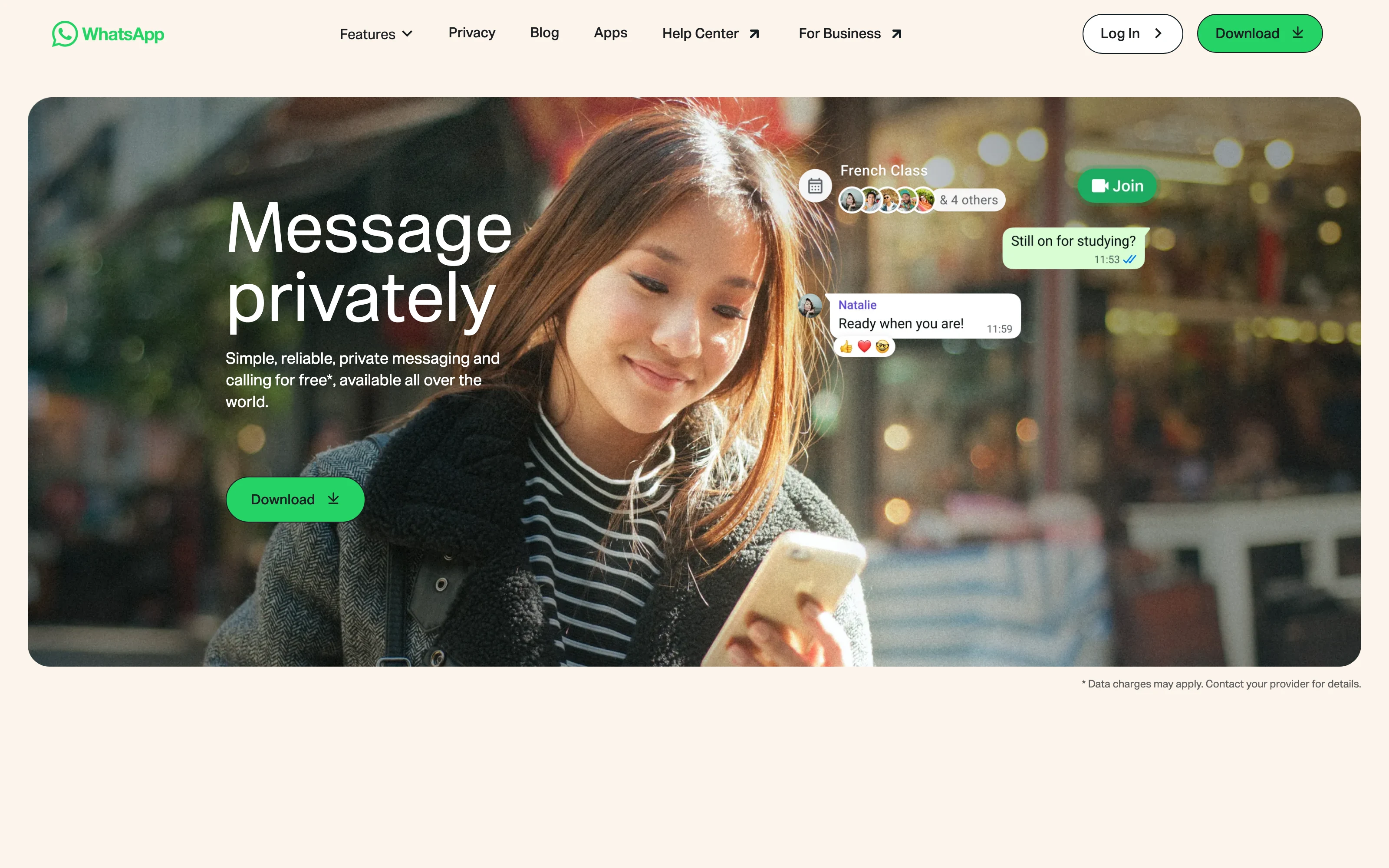
WhatsApp
Best for Apple users
FaceTime
Best for US-based Google Voice users
Google Voice
Best for international calls from an app
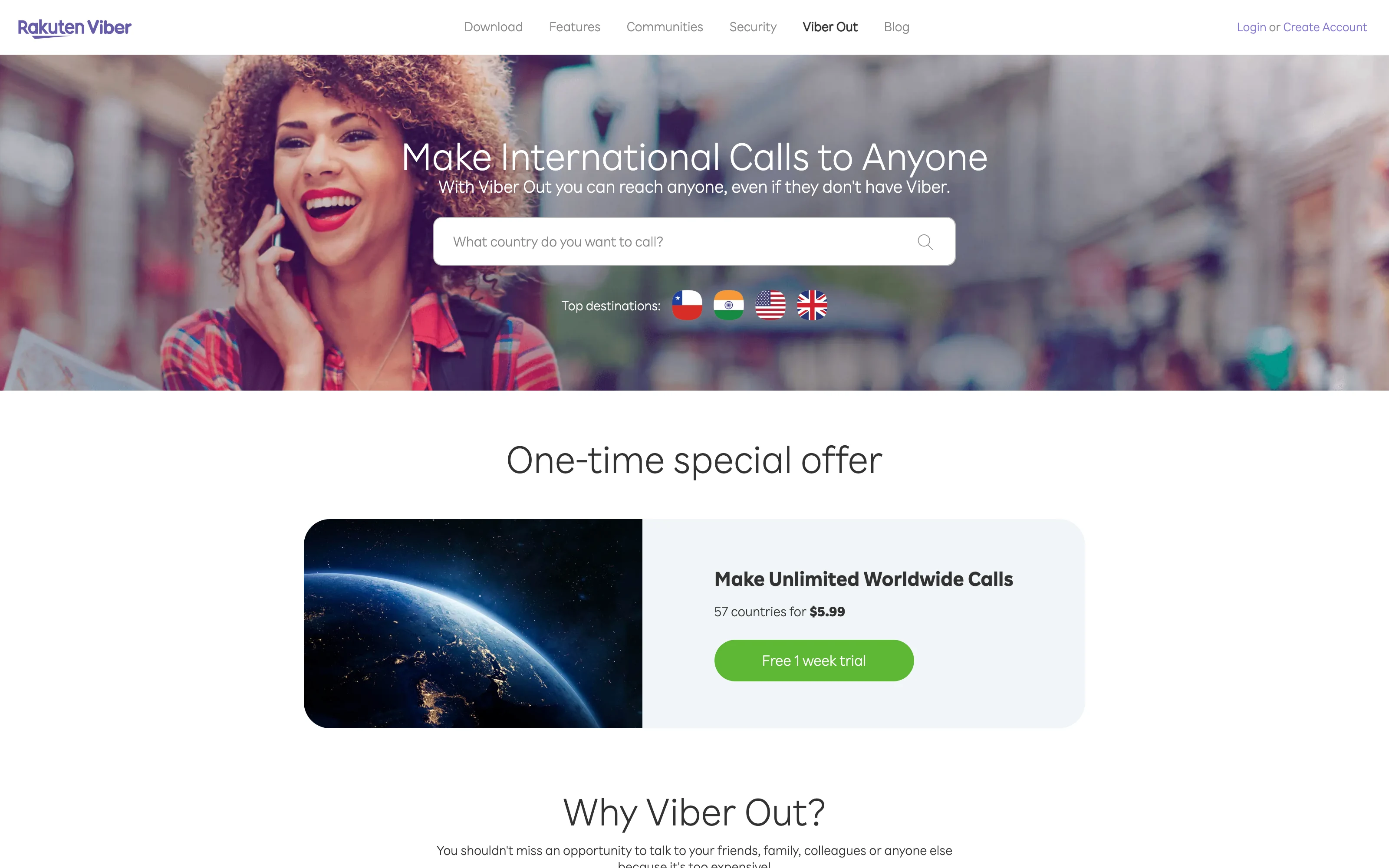
Viber Out
Best for country-specific plans
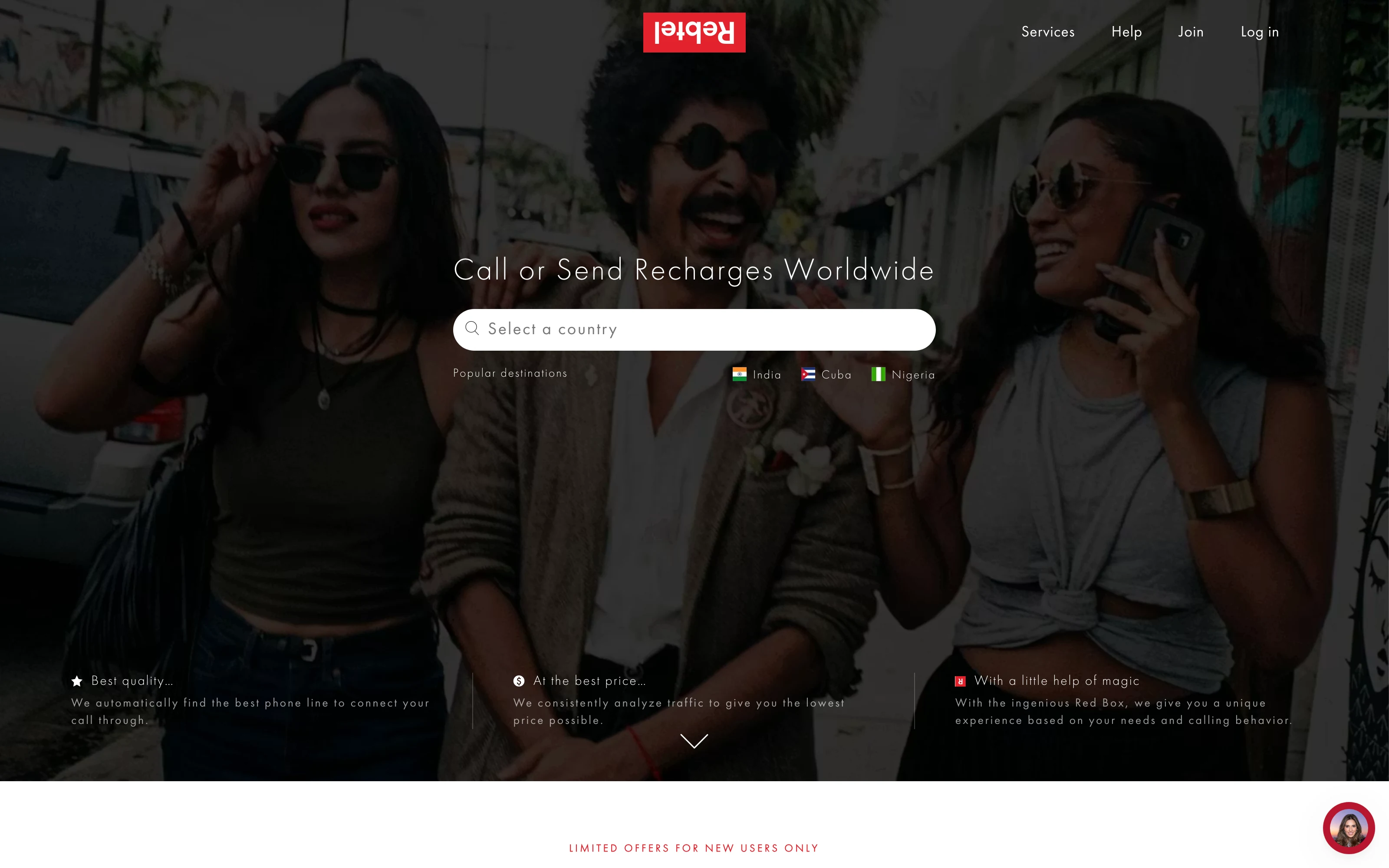
Rebtel
cell_tower
Best emergency fallback
Mobile carrier
How you pay
Free app calls and paid calls to regular numbers are different
WhatsApp and FaceTime are free when both people use the same app and have internet. Talkala, Viber Out, Rebtel, and Google Voice are paid options for calling regular mobile and landline numbers, usually through prepaid credit, listed rates, or calling plans. Mobile carriers bill through your phone plan, where international prices can be harder to see before calling.
Free app-to-app
WhatsApp and FaceTime are best when the other person already uses the same app.
Prepaid phone-number calling
Talkala, Viber Out, Rebtel, and Google Voice are for calling real numbers with credit, listed rates, or plans.
Carrier billing
Mobile carriers can work as a fallback, but the cost depends on your plan, destination, and add-ons.
Skype was useful because it did more than one thing. You could video call a friend, call another Skype user, or pay to ring a normal phone number. After the shutdown, those needs live in different tools.
If the other person already uses the same app, WhatsApp, FaceTime, or Teams may be enough. If you used Skype to call landlines, business numbers, older relatives, offices, or mobiles that are not on the same app, you need a way to call regular phone numbers instead.
Call type and pricing
Free app calls and paid calls to regular numbers are different
App-to-app calls are usually free because both people are inside the same app. Paid international calling connects to the regular phone network, so compare services such as Talkala, Viber Out, Rebtel, and Google Voice by country, number type, and how you pay.
Talkala is strongest when you want a browser replacement for the part of Skype that called regular numbers. You check the price, call a real mobile or landline abroad, and can use one shared balance when a team needs to make those calls.
Ranked list
Best options, ranked by the old Skype job
Start with what Skype used to do for you. WhatsApp and FaceTime cover free app calls and video calls. Talkala, Viber Out, Rebtel, and Google Voice cover paid calls to real phone numbers in different ways.
Start here
These are the broadest replacements for the main Skype calling jobs.
1
Talkala
Recommended #1
Calling real mobile and landline numbers abroad
Talkala is the closest match if you used Skype to call regular phone numbers abroad, not if you used it mainly for chat or video.
Talkala is the right choice when the person or place you need to call has a normal mobile or landline number. You call from the browser, see the price before dialing, and pay from prepaid credit. It does not replace Skype chat or video meetings.
Official page screenshot
Key traits
Browser calling
Calls mobiles and landlines
Price shown before calling
Shared balance and team workspace
Pros
checkUseful when all you have is a regular phone number.
checkGood for teams that need shared calling credit and usage visibility.
checkShows the call price before the call starts so you can decide first.
Limitations
closeDoes not replace Skype chat history or video meetings.
closeDoes not offer free app-to-app voice or video calling.
closeRequires prepaid Talkala credit for paid calls.
WhatsApp is the simplest replacement when the other person already uses WhatsApp and the call can stay inside the app.
Use WhatsApp for personal calls where both people already have the app and internet. It is free and familiar, but it will not ring a hotel desk, bank, office, or landline number.
Viber Out is a good paid calling option if you already want to place international calls from the Viber app.
Viber Out makes sense when you are comfortable keeping call credit or a calling plan inside Viber. It can be useful for regular international calls from an app, especially when one of its plans lines up with the country you call.
Rebtel is strongest when you repeatedly call the same country and one of its country plans clearly helps.
Rebtel makes sense when your calling habit is predictable. If you call the same destination often and a Rebtel plan covers it, the plan can be useful. If your destinations change a lot, the plan decision may be less helpful.
These are useful when your account, device, country, or payment setup already lines up.
5
FaceTime
Apple-to-Apple calls
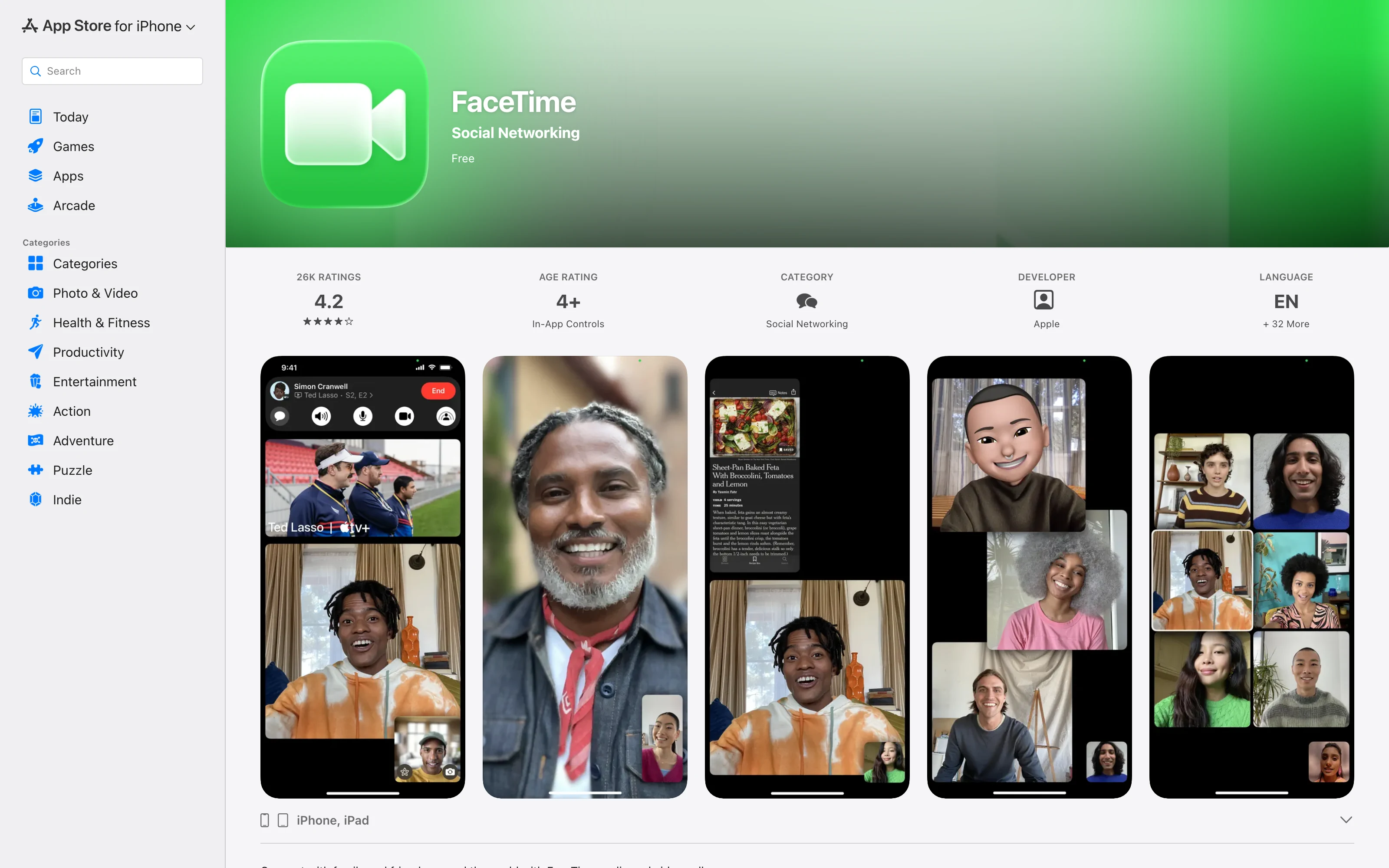
FaceTime is the obvious Skype replacement for many Apple-to-Apple voice and video calls.
FaceTime is the natural choice when both sides use Apple devices and have internet. It is great for personal voice and video calls, but it is not a way to call a normal international landline or office number.
Official page screenshot
Key traits
Apple-centered app calling
Voice and video over internet
Not normal PSTN phone-number calling
Pros
checkSimple for people already in the Apple ecosystem.
checkGood call quality when both sides have compatible devices and internet.
Limitations
closeRequires compatible Apple devices or supported FaceTime access.
closeCannot call regular landlines or mobile numbers abroad.
closeNot designed for shared business calling wallets.
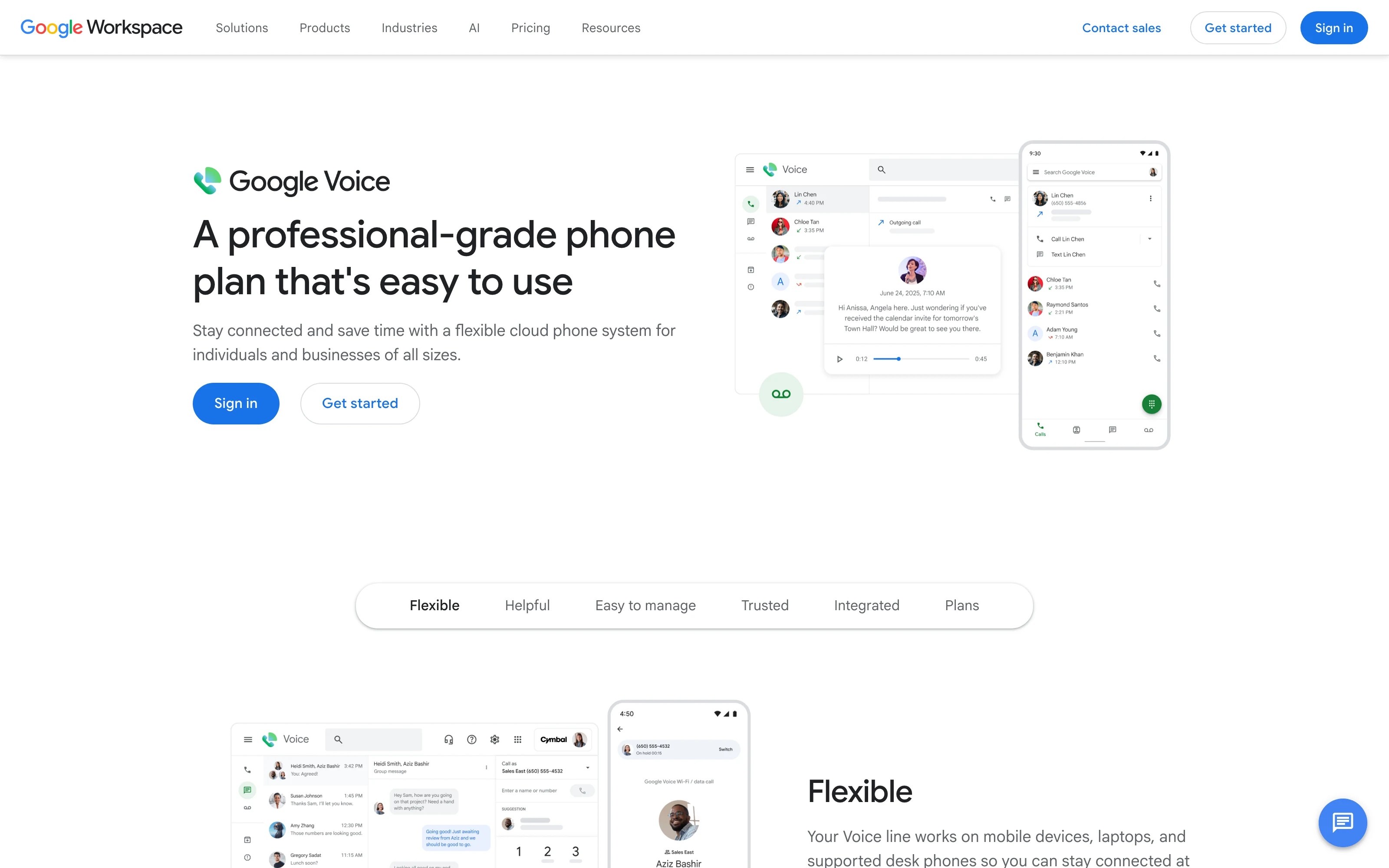
Google Voice is useful when you already have the right Google Voice number and account.
Use Google Voice if it is already your phone-number setup. It can call real numbers, but availability and setup depend on your account and location. It is not the simplest new setup for everyone leaving Skype.
Use this when dialing from your existing phone plan matters more than checking prepaid pricing first.
7
cell_tower
Mobile carrier
Emergency fallback
Your mobile carrier is the fallback when you just want to dial from your phone and accept whatever your plan charges.
A mobile carrier can call real numbers without another account. That convenience is real. The tradeoff is that international pricing can depend on your phone company, plan, destination, roaming status, and add-ons.
One glance at how each option handles real phone numbers, browser calling, upfront pricing, and shared team balance.
Feature comparison for Best Skype alternatives after shutdown
Feature
Talkala
WhatsApp
FaceTime
Google Voice
Viber Out
Rebtel
cell_towerMobile carrier
Call real numbers abroad
checkYes
closeNo
closeNo
checkYes
checkYes
checkYes
checkYes
Call landlines
checkYes
closeNo
closeNo
checkYes
checkYes
checkYes
checkYes
Recipient does not need same app
checkYes
closeNo
closeNo
checkYes
checkYes
checkYes
checkYes
Call from your browser
checkYes
Limited
closeNo
checkYes
Limited
Limited
closeNo
See the price before dialing
checkYes
No phone-number price
No phone-number price
Call prices
Plan-dependent
Plan-dependent
Often unclear
Shared team balance
checkYes
closeNo
closeNo
closeNo
closeNo
closeNo
closeNo
starBest for
Affordable shared calling abroad
Free app calls
Apple app calls
US/Google Voice users
App calling
Country-specific plans
Backup option
Feature comparison for Best Skype alternatives after shutdown
Feature
Talkala
WhatsApp
FaceTime
Google Voice
Viber Out
Rebtel
cell_towerMobile carrier
Call real numbers abroad
checkYes
closeNo
closeNo
checkYes
checkYes
checkYes
checkYes
Call landlines
checkYes
closeNo
closeNo
checkYes
checkYes
checkYes
checkYes
Recipient does not need same app
checkYes
closeNo
closeNo
checkYes
checkYes
checkYes
checkYes
Call from your browser
checkYes
Limited
closeNo
checkYes
Limited
Limited
closeNo
See the price before dialing
checkYes
No phone-number price
No phone-number price
Call prices
Plan-dependent
Plan-dependent
Often unclear
Shared team balance
checkYes
closeNo
closeNo
closeNo
closeNo
closeNo
closeNo
starBest for
Affordable shared calling abroad
Free app calls
Apple app calls
US/Google Voice users
App calling
Country-specific plans
Backup option
Recommended #1
Talkala is for browser calls to real numbers abroad
Talkala is for calling real mobile and landline numbers abroad from the browser. You add prepaid credit, check the call price before you call, and can share one wallet with a team.
checkPrepaid international calls to real phone numbers.
checkCalls mobiles and landlines abroad.
checkWorks from the browser without asking the other person to install anything.
checkShows the price before the call starts.
checkSupports shared balance and a team calling workspace.
Want to know if Talkala fits this call? Check the rate first.
closeBoth people already use WhatsApp, FaceTime, or another app and only need a free app-to-app call.
closeYou need a full company phone setup with departments, call queues, and broader administration.
closeA monthly or country-specific plan gives better value for one repeated destination.
Final recommendation
Choose based on the call, not the old app
Talkala is the right choice when you need to call real mobile or landline numbers abroad from the browser with upfront pricing and shared balance support.