

Shared Talkala number
If you do not change anything else, calls use Talkala's shared caller ID for that destination.
Caller ID is the number shown to the person you call. A recognizable number can make a real difference when you are calling a bank, office, client, or family member abroad. Talkala gives you a few ways to handle it.
The short version
People screen calls they do not recognize. Some offices also use caller ID to decide whether a call looks familiar enough to answer. Talkala cannot control every phone network display, but it does let you choose the number Talkala sends when supported.
You can keep the default, prove you own an existing number, or rent a Talkala number.
If you do not change anything else, calls use Talkala's shared caller ID for that destination.
Verify a number you already own, then use it as your caller ID when the phone network allows it.
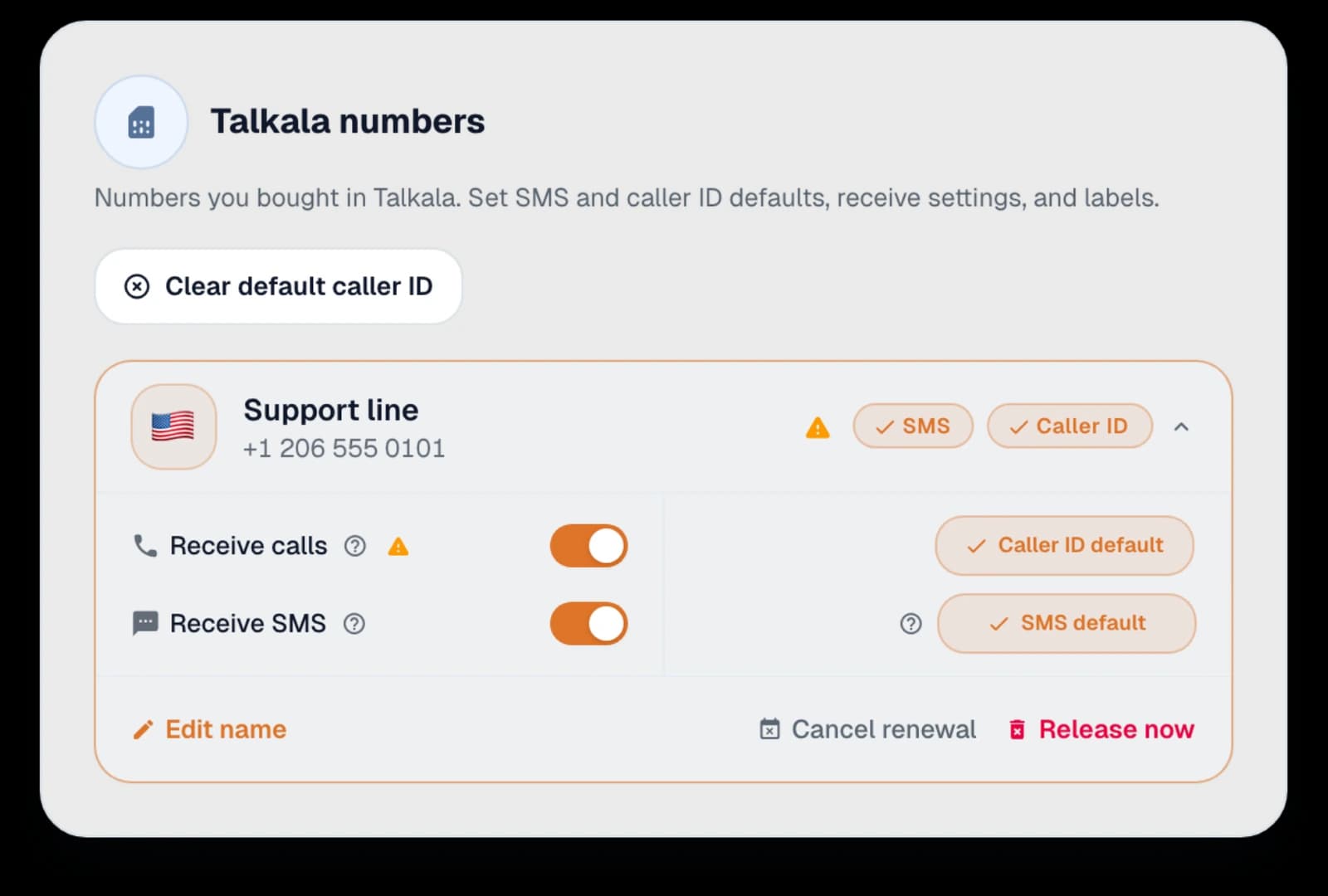
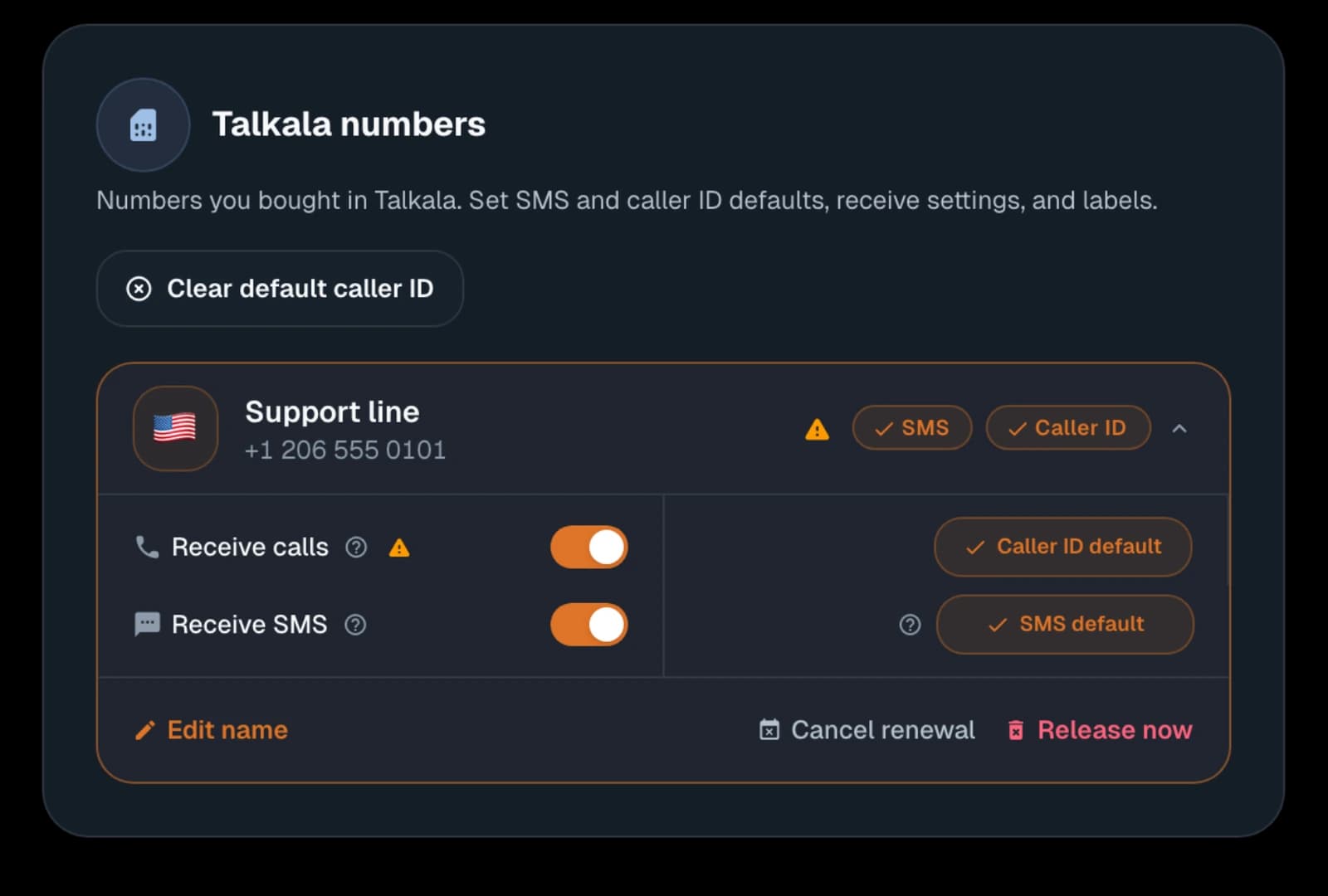
Rent a Talkala number for consistent caller ID. People can text that number, and when receiving calls is set up, they can call it back instead of calling your personal phone.
The best option depends on how often you call and whether people need to text you back.
This is the simplest starting point when you just need to place a call and do not care which number appears.
This can help when the person already knows your existing mobile or business number.
A Talkala number is better when you call the same contacts repeatedly, want to receive their text messages in Talkala, or want people to call the Talkala number instead of your personal phone.
Key detail
Talkala sends the number you choose, but the phone company that completes the call can still decide how it appears. If you use a Talkala number, people can call that number back without seeing your personal phone number.
FAQ
Yes, when you verify that you own the number and the phone network allows it for caller ID.
Receiving calls can work for personal Talkala numbers when receiving is set up. If someone calls your Talkala number, it can ring in your browser while Talkala is open.
A Talkala number gives you one consistent number and lets you receive SMS in the browser. It is useful when the same people need to recognize or text the number.
Next step
Compare the number page with browser SMS so you know what each option unlocks.