

App calling comparison
Talkala vs WhatsApp for international calls
Call a WhatsApp contact, or call a regular phone number
WhatsApp is the better choice when both people already use it and want to call each other there. Talkala is for calls that need to reach a regular mobile or landline abroad, including hotels, banks, offices and people who do not use WhatsApp.
Eligible new accounts can try one 60-second call without adding a card.
- Calls regular mobiles and landlines
- Recipient needs no app
- Rate shown before calling
 TalkalaCall a regular mobile or landlineTheir normal phone rings
 WhatsAppCall a WhatsApp userThe call rings inside WhatsApp
Which service fits the way you call?
Choose Talkala when:
- You only have a regular mobile or landline number
- You are calling a hotel, bank, airline, office or service line
- The person you need to reach does not use WhatsApp
- You need their normal phone to ring
Choose WhatsApp when:
- Both people already use WhatsApp
- You want a free voice or video call
- You want messages, group chats and calls in one service
- Both sides have a suitable internet connection
WhatsApp does not charge a per-minute fee for calls between WhatsApp users. Calls use an internet connection and data charges may apply.
Check your Talkala rate
All ratesWhere are you calling?
Choose a destination
USD starting rates · US caller ID. Check the exact rate for your number and caller ID in the dialer.
See how each service works
Talkala starts with a regular phone number. WhatsApp starts with a WhatsApp user or chat.
Talkala · Browser dialerEnter a regular international number, review the rate and start the call from your browser.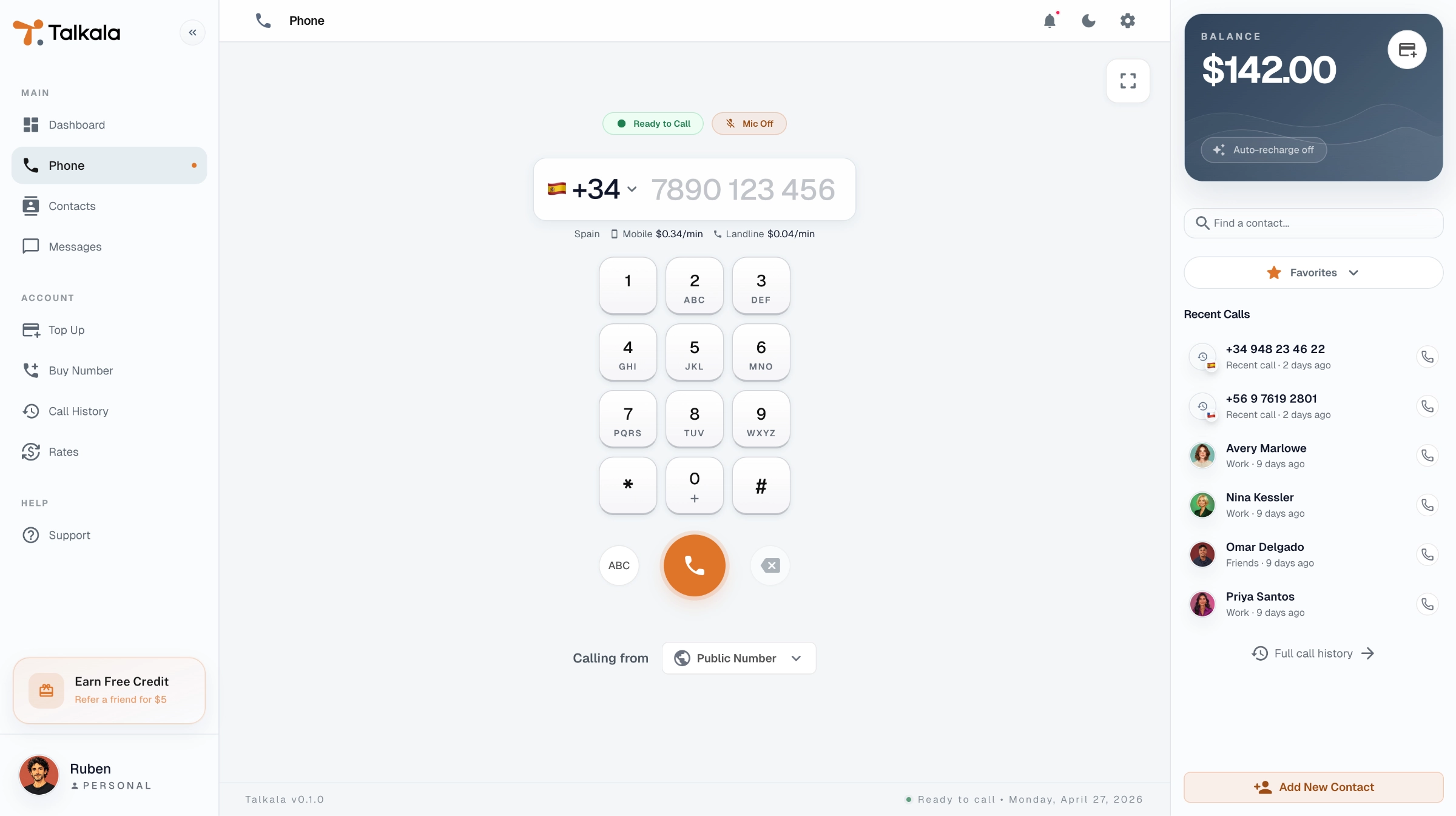
 WhatsApp · Web callingOpen a WhatsApp user or chat and start a voice or video call inside WhatsApp.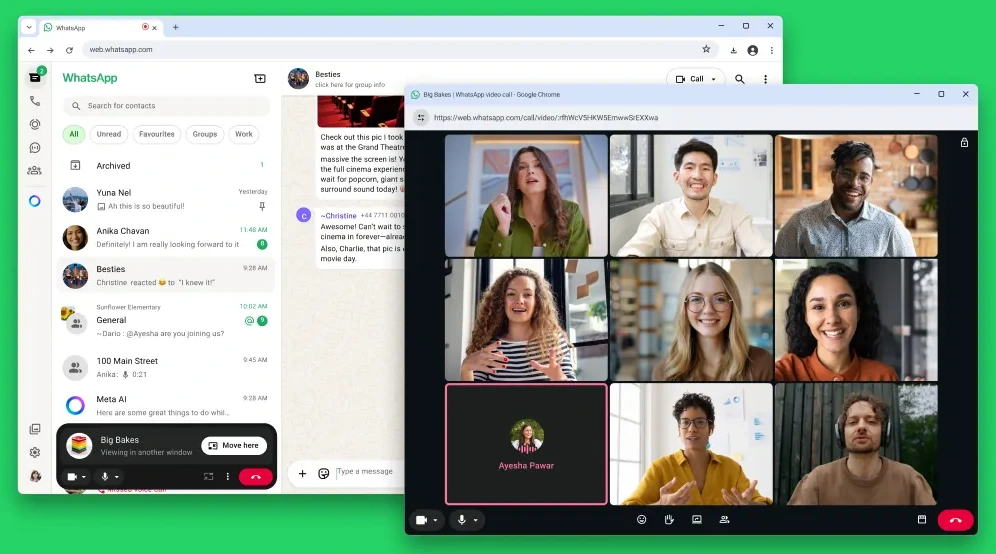
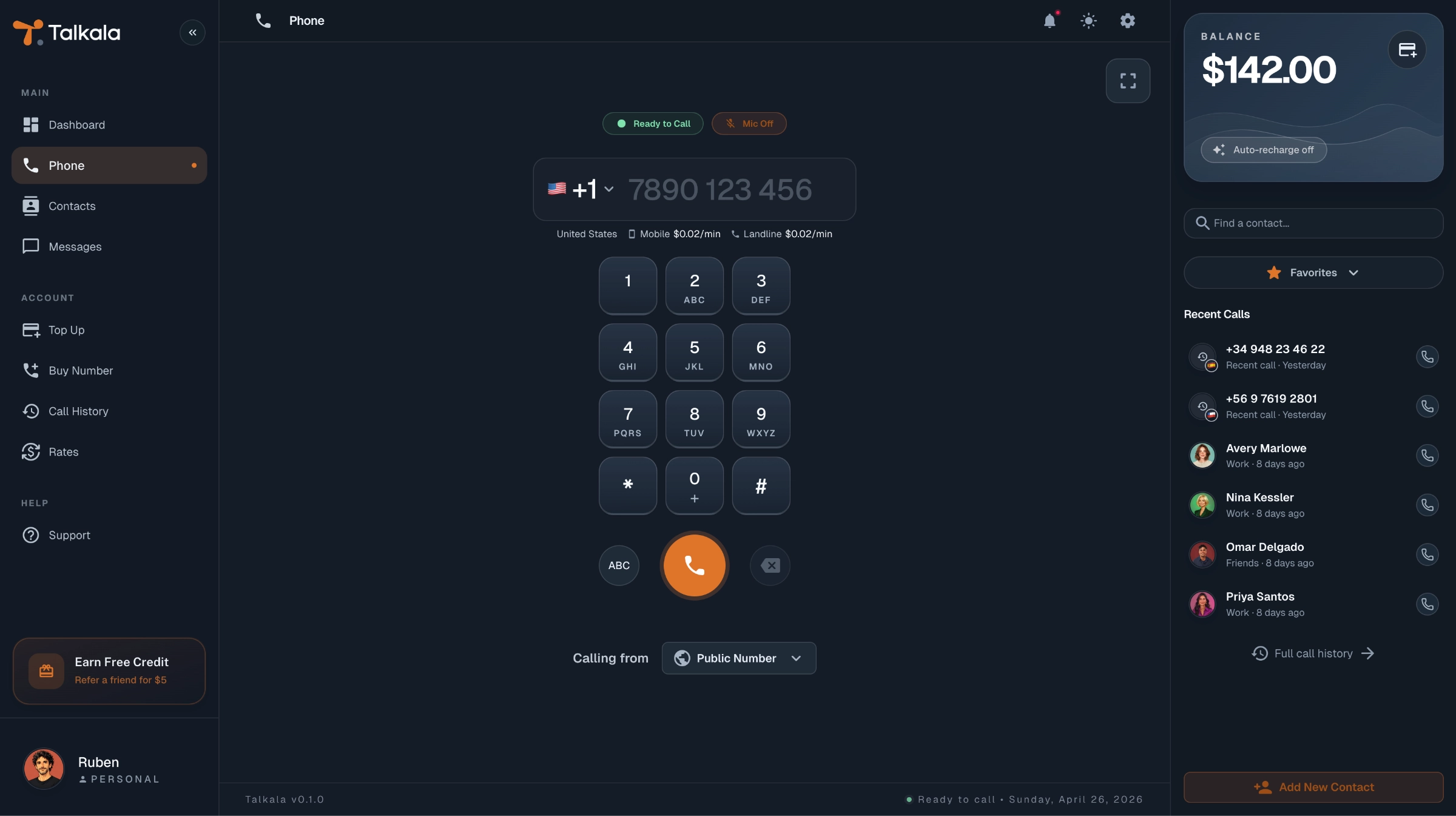
Talkala shows an example account and rates. The WhatsApp image is an official product image, cropped to its web calling interface.
Talkala and WhatsApp at a glance
Compare where the call rings, what the recipient needs and which communication features each service provides.
Swipe the table to compare both services.
| What matters | Talkala | WhatsApp |
|---|---|---|
| Where the call rings | On the recipient’s regular mobile or landline | Inside WhatsApp |
| Rings a regular mobile or landline | Yes | No |
| Recipient can answer without installing the service | Yes | No |
| Recipient can answer without internet | Yes | No |
| Browser calling | Yes, to regular phone numbers | Yes, to WhatsApp users |
| Mobile calling | Yes, through the mobile browser | Yes, through the WhatsApp app |
| Voice calls | Yes | Yes |
| Video calls | No | Yes |
| Messaging and group chats | No | Yes |
| Free calls between service users | No | Yes |
| Price model | Prepaid credit with per-minute rates | No per-minute fee for WhatsApp calls. Data charges may apply. |
| Rate shown before a phone-number call | Yes, for the full number | Not applicable. WhatsApp calls do not use a per-minute rate. |
| Best for | Calling regular mobiles, landlines, businesses and people without WhatsApp | Voice calls, video calls and messaging between WhatsApp users |
How to use Talkala alongside WhatsApp
You do not need to replace WhatsApp. Keep using it for free calls, messages and video chats with WhatsApp users, and use Talkala when a regular mobile or landline needs to ring.
- 1
Create your Talkala account
Sign up and complete any required verification. You do not need to add a card to try an eligible free call.
- 2
Enter the international number
Choose the country and enter the regular mobile or landline number you need to reach.
- 3
Review the rate and start the call
Check the exact per-minute rate and free-call eligibility before connecting.
The free call is for eligible new personal accounts and qualifying numbers priced at $0.99/min or less. The dialer confirms eligibility before you call.
Talkala and WhatsApp questions
Can WhatsApp call a regular mobile or landline?
WhatsApp calls ring inside WhatsApp. Entering or selecting a phone number in WhatsApp starts a WhatsApp call, not a normal phone-network call to an arbitrary mobile or landline. Talkala places calls to supported regular phone numbers.
Can I call an international landline with WhatsApp?
WhatsApp does not place a normal call through the landline network. A business may use a phone number for its WhatsApp account, but the call is still handled inside WhatsApp. Talkala calls supported landline numbers directly.
Are international WhatsApp calls free?
WhatsApp does not charge a per-minute fee for calls between WhatsApp users, including international calls. Calls use an internet connection, and mobile-data or internet-provider charges may apply.
Can I make WhatsApp calls from a web browser?
Yes. WhatsApp Web supports voice and video calls. The main difference from Talkala is not browser access. WhatsApp calls another WhatsApp user, while Talkala calls a regular mobile or landline.
How can I call someone who does not use WhatsApp?
With Talkala, enter their supported mobile or landline number in the browser dialer. Their regular phone rings, and they do not need Talkala, WhatsApp or an internet connection to answer.
Does the person I call need Talkala?
No. Their regular mobile or landline rings. They do not need a Talkala account, an app or an internet connection.
Is Talkala a complete replacement for WhatsApp?
No. Talkala does not replace WhatsApp messaging, group chats or video calls. It provides a different type of service: browser calls to regular mobile and landline numbers.
Can I use Talkala and WhatsApp at the same time?
Yes. Use WhatsApp when both people want to communicate inside WhatsApp, and use Talkala when a regular mobile or landline needs to ring. Nothing needs to be cancelled or transferred.
WhatsApp details checked September 3, 2026, against WhatsApp’s official calling page, Web calling overview, and Web voice-call help. Features and availability may change. We have not tested call quality side by side.