
Plan for the hold time
You may wait on hold or be transferred several times. Talkala's low per-minute rate is visible before you dial, so you can estimate the calling cost first.
When chat or email cannot resolve an account, billing, or service problem, call the international support line from your browser. Talkala shows the rate before you dial, so a long queue does not become an unexpected carrier bill.
The short version

Up to 75x cheaper than standard carrier plans
Pure pay-as-you-go. No subscriptions.
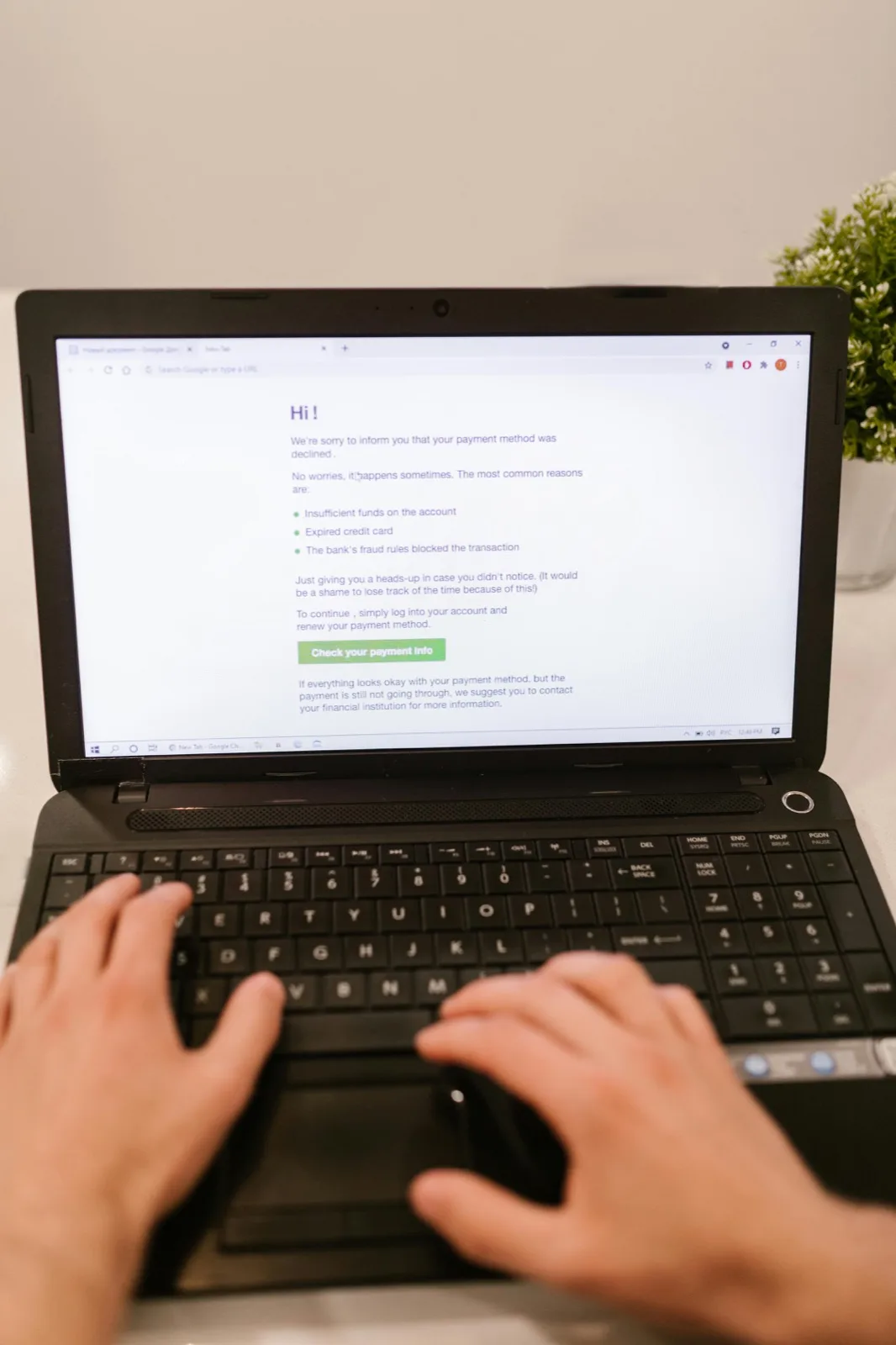
A software company may bill from Dublin, run technical support in Manila, or send insurance claims to a specific overseas office. When self-service and email cannot resolve the issue, you may need to call that office directly.
Support calls are hard to time because you may wait on hold or be transferred between departments. Calling through a mobile carrier can make the final cost unclear until the bill arrives. Talkala shows its per-minute rate before you call and uses prepaid credit.
Transparent per-minute pricing first. Then you decide whether to wait on hold, skip the switchboard, or try email again tomorrow.
You may wait on hold or be transferred several times. Talkala's low per-minute rate is visible before you dial, so you can estimate the calling cost first.
Whether the company uses a switchboard, local desk, or call center, Talkala connects your call to its ordinary phone line.
No special international plans to activate. No mystery fees on next month's bill. Talkala uses prepaid credits, so you make a clear, informed decision about whether to call now or try that email one more time.
Prepare the account details and look for a direct department number before you dial.
Have your order number, account email, and any reference codes ready to read out loud before you dial.
Pro tip: if the company publishes a direct department line (for example billing, cancellations, or technical support), type that into Talkala instead of the general switchboard. Every transfer you skip saves you time.
See exactly what the call will cost per minute, hit dial from your browser, and wait for a human to answer.
FAQ
Yes. When you call a support line and the automated voice asks you to press digits for billing, technical support, or account lookup, you can use the in-app dial pad to send keypad tones and enter numbers, similar to a normal handset.
Often yes, but many corporate toll-free numbers block or mishandle calls from outside their home country. When you can, look for a "calling from abroad" number or a direct local landline for the department you need. That usually connects more reliably than a toll-free line dialed from overseas.
Talkala carries your voice over the internet, then connects the call to the regular phone network. The agent answers it as a normal phone call.
No. Talkala is pay-as-you-go. Load a small prepaid balance, make your call, and you are not locked into a subscription just to reach support.
Next step
Find the direct line, have your reference details ready, and call from your browser with the rate visible first.