
A modern browser
Use Chrome, Safari, Edge, or Firefox. Open Talkala, sign in, and use the dialer in the tab.
Yes, you can call a regular phone number from your browser. Open Talkala, enter the number, check the rate, and call a real mobile or landline. The person you call does not need Talkala, an app, or an internet account.
Why Talkala

Up to 75x cheaper than carrier rates
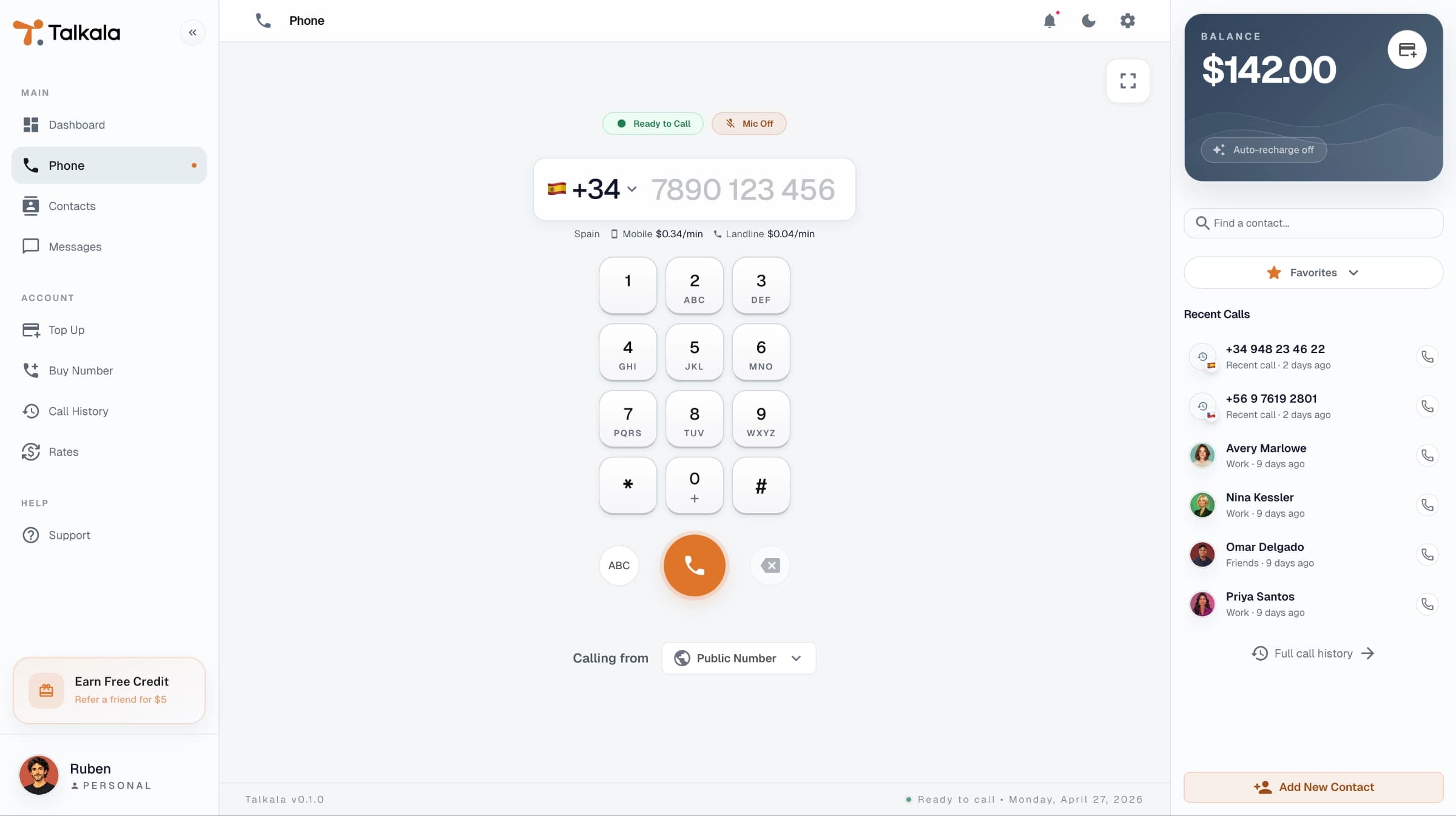
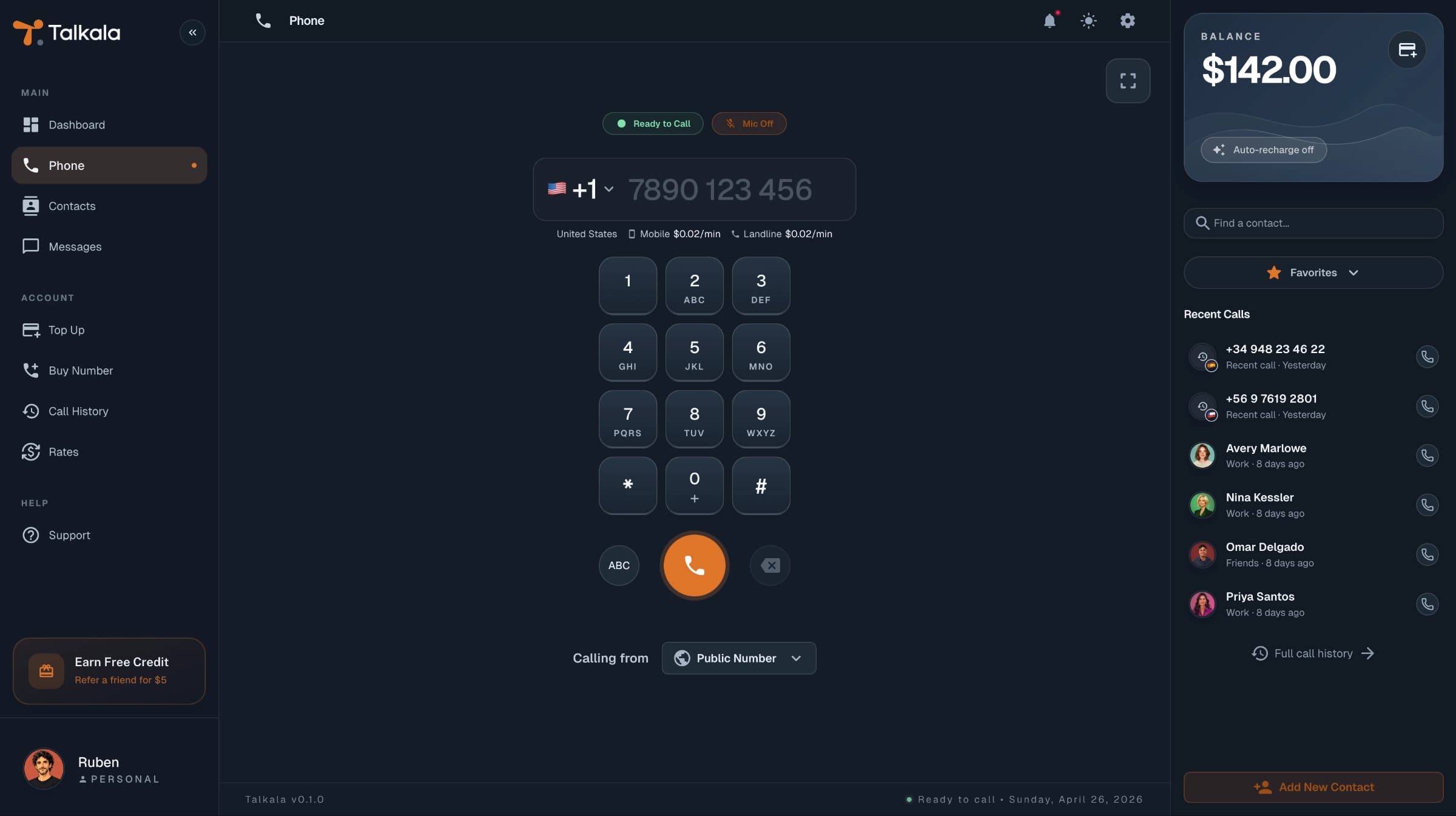
Yes. You use the browser for the part you see: sign in, enter the number, choose caller ID, check the rate, and speak through your microphone. Talkala then connects the call to the phone network so an ordinary mobile or landline abroad can ring.
You do not need a separate desktop calling program, calling card, or mobile carrier add-on. The setup is closer to joining a browser meeting, except the other end is a real phone number.
Use Chrome, Safari, Edge, or Firefox. Open Talkala, sign in, and use the dialer in the tab.
Your browser asks for microphone access before the other person can hear you. If access is blocked, the call cannot work properly.
Before a paid call starts, Talkala checks that your prepaid balance can cover the minimum amount needed for that call.
The important details appear before the call connects, so you can decide whether the call is worth placing.
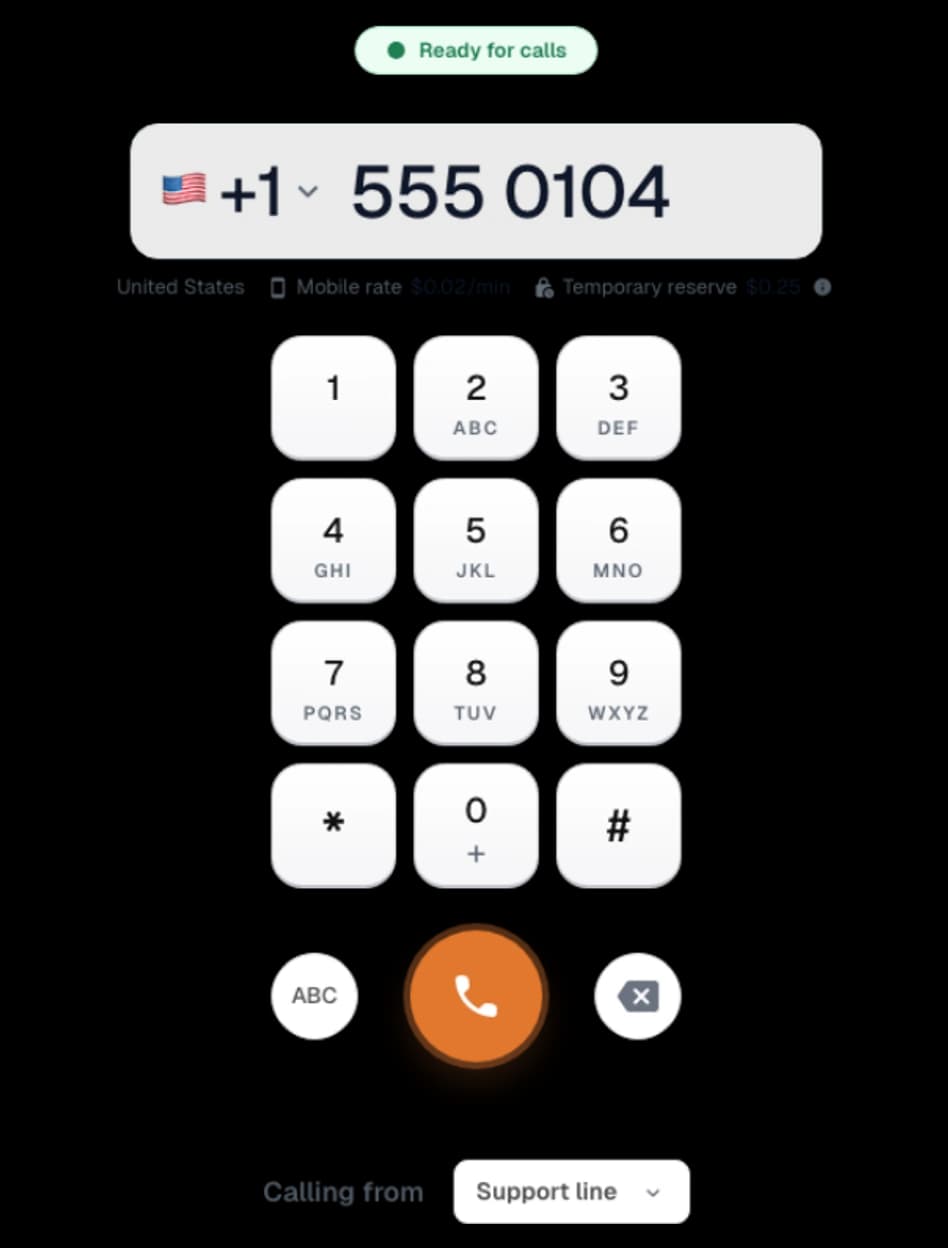
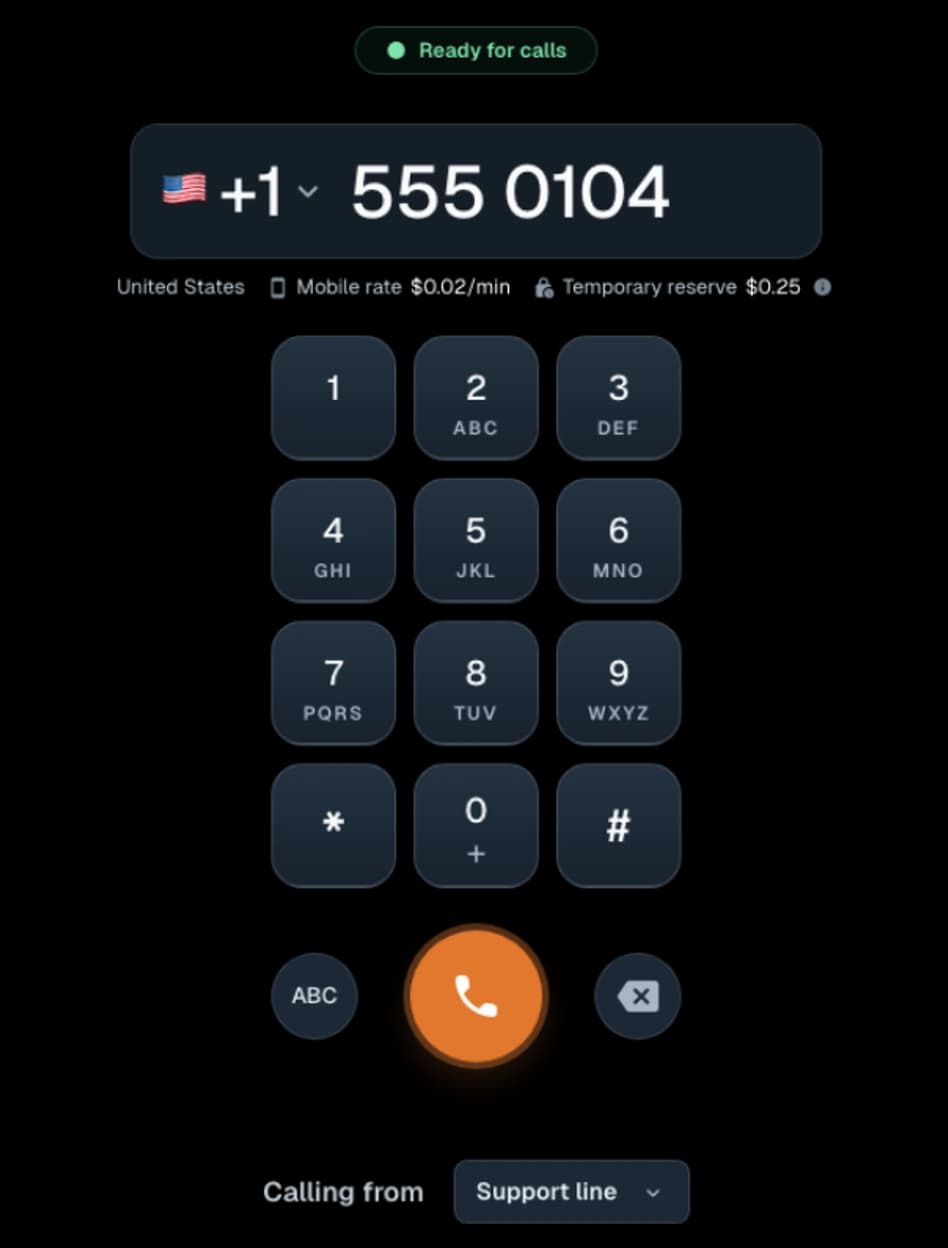
Type or paste the number you want to call. Talkala helps put it into international format before trying the call.
The dialer shows the per-minute rate and the minimum balance needed to start. Landline and mobile pricing can differ by country.
When you press call, the browser handles your audio and Talkala connects the call to the real phone number.
You can use Talkala for the calls you make from the browser. With a personal Talkala number, people can also call you back there. They call your Talkala number, it rings in Talkala while the tab is open, and you answer from the browser instead of your personal phone.
Enter the number, check the rate, and call a real mobile or landline from Talkala.
When someone calls your personal Talkala number, it can ring in your browser while Talkala is open.
Talkala needs to be open in your browser to ring. If you are waiting for a call back, keep the tab open.
Key detail
Talkala is for regular calling from the browser, not a full replacement for your phone plan. A few phone-line features are still not included.
FAQ
Yes. You call from the browser, so there is no separate desktop app or calling program to install for the current calling flow.
No. Talkala connects to the regular phone network, so the other person answers on their normal mobile or landline.
Yes, when receiving is set up for your personal Talkala number. When someone calls that number, it can ring in your browser while Talkala is open.
The Talkala call charge comes from your prepaid Talkala balance. Your internet plan may still count the data used by the browser call.
Next step
Walk through the calling flow, check the rate for the country you need, then create an account when you are ready to call.