

A Talkala number that can receive texts
Verified external caller IDs do not receive messages in Talkala. You need a Talkala number that can receive texts.
Can you receive SMS in a browser? Yes, if you have a Talkala number that can receive texts. When someone texts that number, the reply can show up in Talkala next to the account you use for calls. It is for receiving replies, not sending campaigns.
The short version
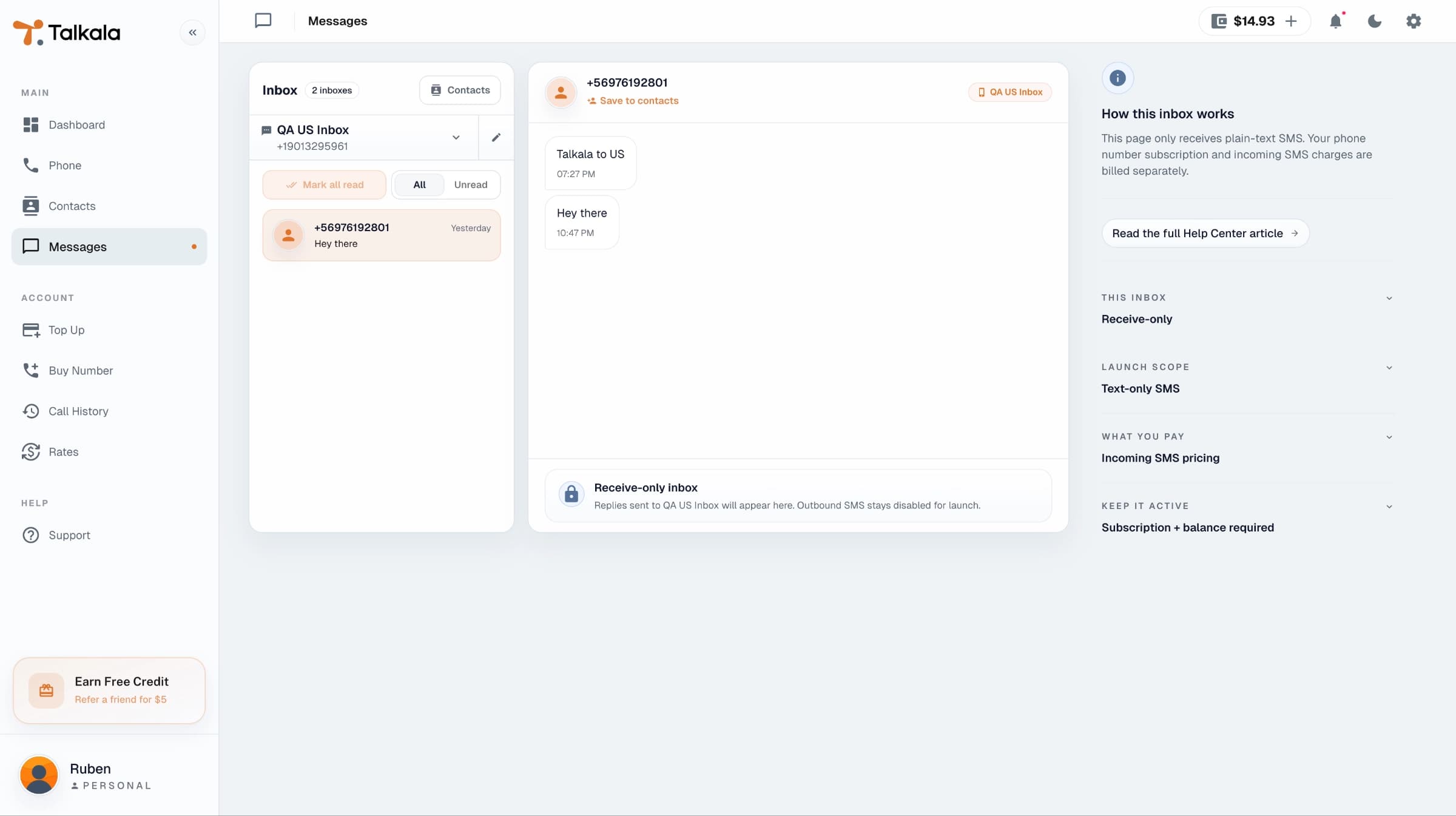
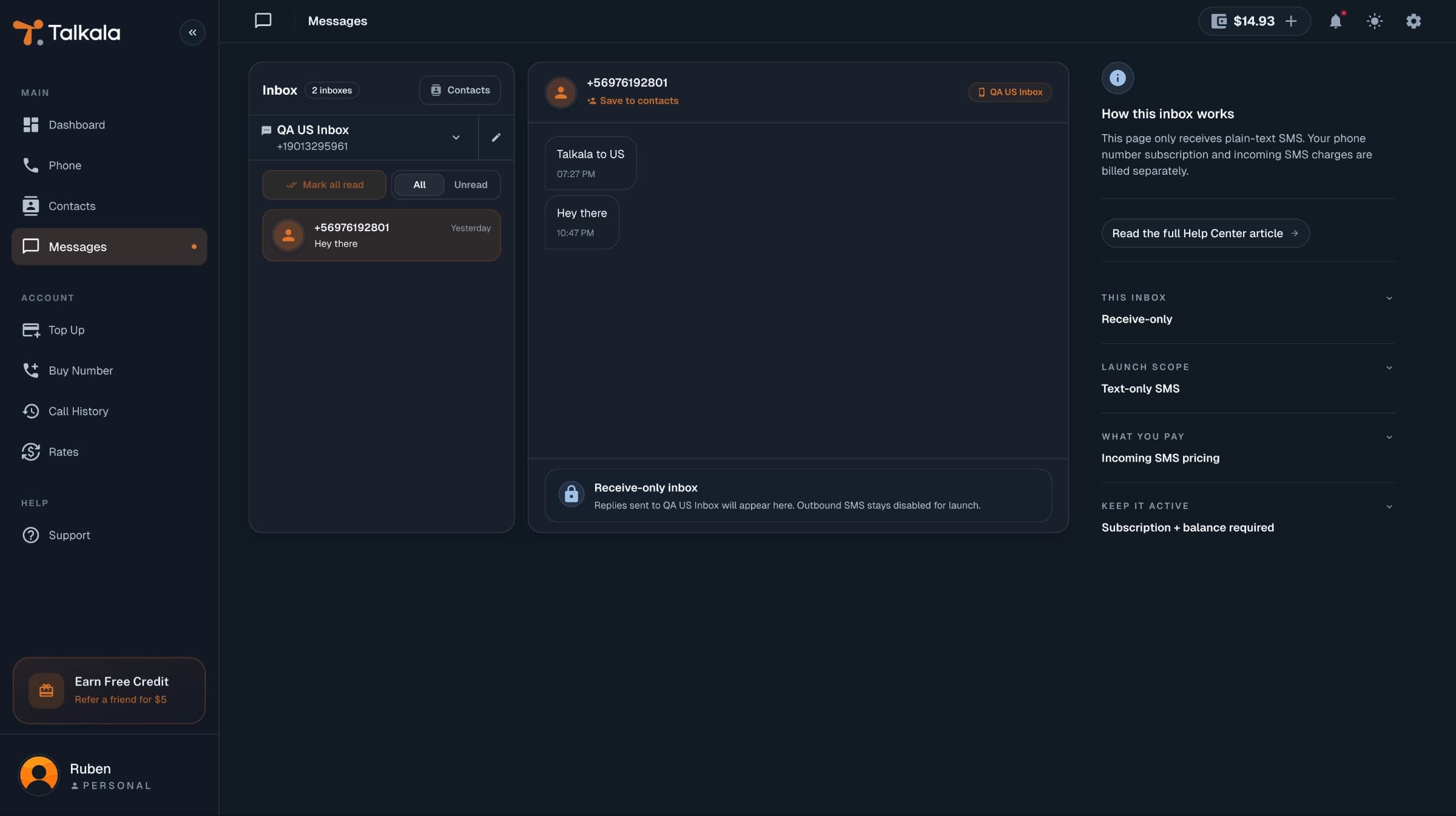
SMS in Talkala is for practical follow-up. A client texts a confirmation code. A vendor replies with an address. A family member sends a quick update to the number you called from. Those texts appear in Talkala instead of being mixed into your personal phone inbox.
To receive SMS, you need a Talkala number. It is the real phone number people text to reach you in Talkala.
Verified external caller IDs do not receive messages in Talkala. You need a Talkala number that can receive texts.
Incoming messages appear in the signed-in Messages area. If you own multiple numbers, inboxes are separated by receiving number.
Voice works the same way: when receiving calls is set up, someone can call your Talkala number and it can ring in your browser.
Texts Talkala accepts are charged from prepaid wallet balance. US Talkala numbers cost $0.02/SMS, and Canada Talkala numbers cost $0.03/SMS.
A text comes in, Talkala checks whether it can deliver it, and the message appears in the right inbox.
The message must be sent to a Talkala number in your account.
Talkala cannot deliver it if your balance is too low, the number is no longer active, or no SMS price is available for that number.
Messages Talkala can deliver are grouped into threads and can create a Numbers notification that links back to the Messages inbox.
Key detail
Right now, Talkala SMS is for receiving text replies. It is not a marketing texting product, not a bulk sender, and not a replacement for a full mobile plan. If you also want people to call your Talkala number, see how browser call receiving works.
FAQ
No. SMS is receive-only at launch, even if you own a Talkala number.
Yes. To receive SMS in Talkala, people need to text a Talkala number in your account.
Received SMS uses prepaid wallet balance. US Talkala numbers cost $0.02/SMS, and Canada Talkala numbers cost $0.03/SMS. Prices are shown per SMS for readability, but wallet billing is per SMS segment. A short plain-text SMS is usually one segment. Longer texts, or texts with some special characters, can count as multiple segments.
Next step
Review Talkala numbers first. They let you use the same caller ID and receive incoming text messages in the browser.