
Reach official landlines
Government offices use traditional phone systems. Talkala connects into the regular telephone network, so you can reach the specific embassy desk or after-hours line you need.
Passport, visa, and consular questions often require a call to an official phone line. Talkala lets you call that number from your browser, with the rate shown before you dial and no carrier roaming fees for the call.
The short version

Up to 75x cheaper than standard carrier rates
Pure pay-as-you-go. No subscriptions.
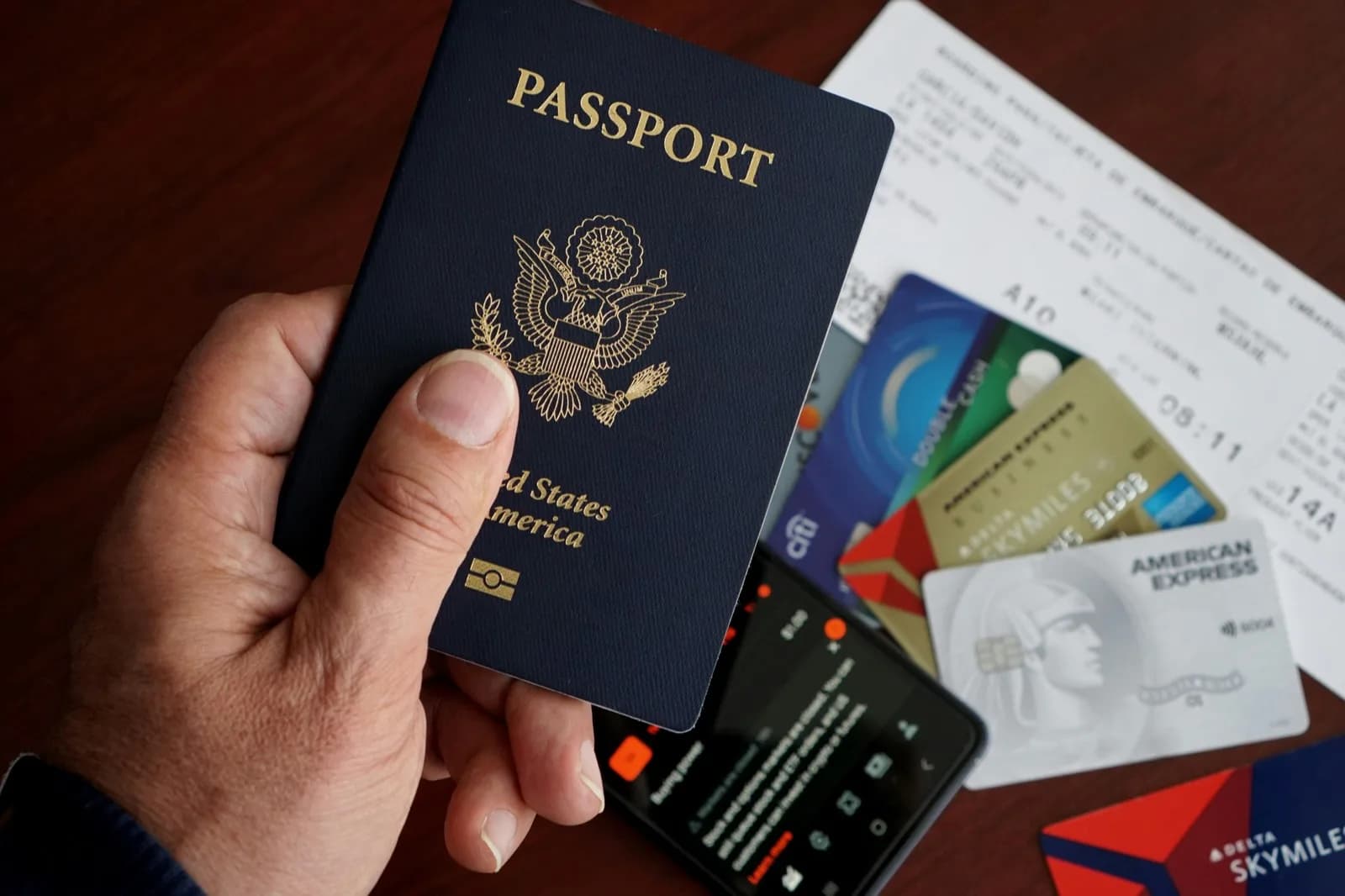
A lost passport, visa issue, or notarial request may need a call to the embassy or consulate. These offices publish standard phone numbers, keep limited opening hours, and may use automated menus or long queues.
Calling through a mobile plan can add international or roaming charges throughout the wait. Talkala lets you check the rate and place the call from your browser instead.
Government offices use ordinary phone lines. Talkala shows the rate before you connect, so paperwork queues cost patience, not surprise roaming.
Government offices use traditional phone systems. Talkala connects into the regular telephone network, so you can reach the specific embassy desk or after-hours line you need.
Government queues can be long. Because you see the per-minute rate before you dial, you can estimate the cost before joining the queue.
Open Talkala in your web browser at the hotel, a cafe, or the airport and dial over a suitable internet connection. You do not need a local voice plan for the call.
Government phone lines are busy. Open your browser, follow these steps, and be prepared to state your case quickly.
Find the official number on the embassy website and verify its local office hours. Check the office's local holiday calendar too.
Type the number into Talkala to see your exact rate, then hit call.
Keep your passport number, case or appointment reference, travel dates, and the exact name on your application ready to read off immediately.
FAQ
Yes, for numbers the embassy publishes for citizen services. Talkala dials standard local phone numbers like any other outbound call. Talkala is not a replacement for local emergency services such as 911 or 112. Use those for police, fire, or ambulance emergencies.
After your call connects, you can use the in-app dial pad to send keypad tones when the system asks you to press digits, so you can route your call like you would on a normal phone.
Talkala carries your voice over the internet until it bridges into ordinary phone lines. The clerk hears a conventional phone conversation just like anyone calling from overseas.
No. You need a Wi-Fi connection, a supported browser, and prepaid Talkala credit. Your mobile carrier is not involved in placing the call, so you sidestep typical international roaming charges for that call.
Next step
Check the official number and local office hours, then call from your browser without carrier roaming charges for the call.