

International calling, built for teams.
- One shared balance. No chasing individual expenses
- No monthly workspace fee. No per-seat fee
- Invite the whole team. Rates shown before every call
Team Credit is your team's shared balance. Start from $150. Optional team numbers bill separately.
Your team, in action
One team phone.
See it in 54 seconds.
Call abroad for less. Bring your people into one workspace, share calling credit and keep spending in view.
For teams that still need a real phone call
Talkala for Teams is for work that still requires a call to a real phone number in another country.
Sales & Account Management
Reps calling London, Tokyo, or São Paulo can use a professional caller ID instead of appearing as "Unknown."
Legal & Compliance
Regulators and counsel can receive a normal phone call with a professional outbound caller ID.
Customer Support
Call an overseas warehouse, vendor, or service desk when email and chat cannot close the request.
Remote & Distributed Teams
Let teammates call from the browser without arranging a local carrier plan in every country.
Get started in three steps
Watch the one-minute guide, then create a workspace for your team.
- 1
Create your team
- 2
Invite teammates
- 3
Call with shared controls
See Talkala for Teams in use
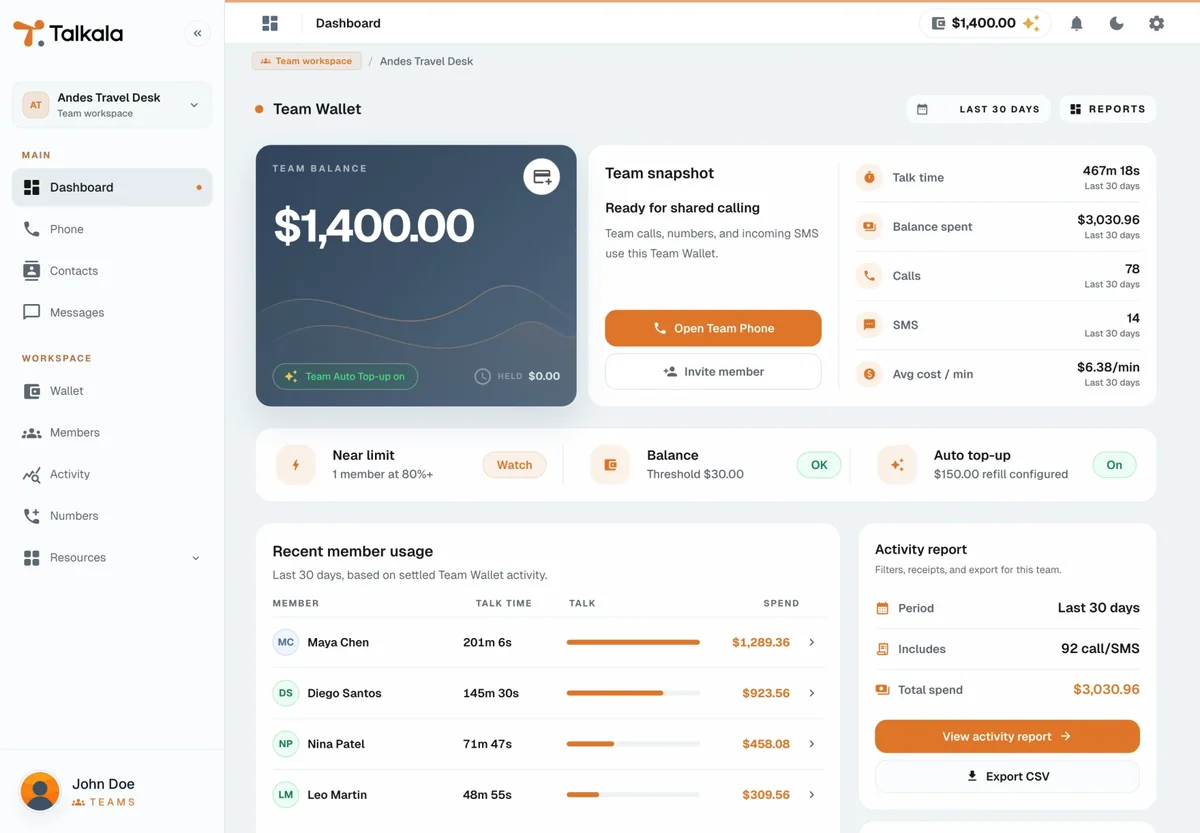
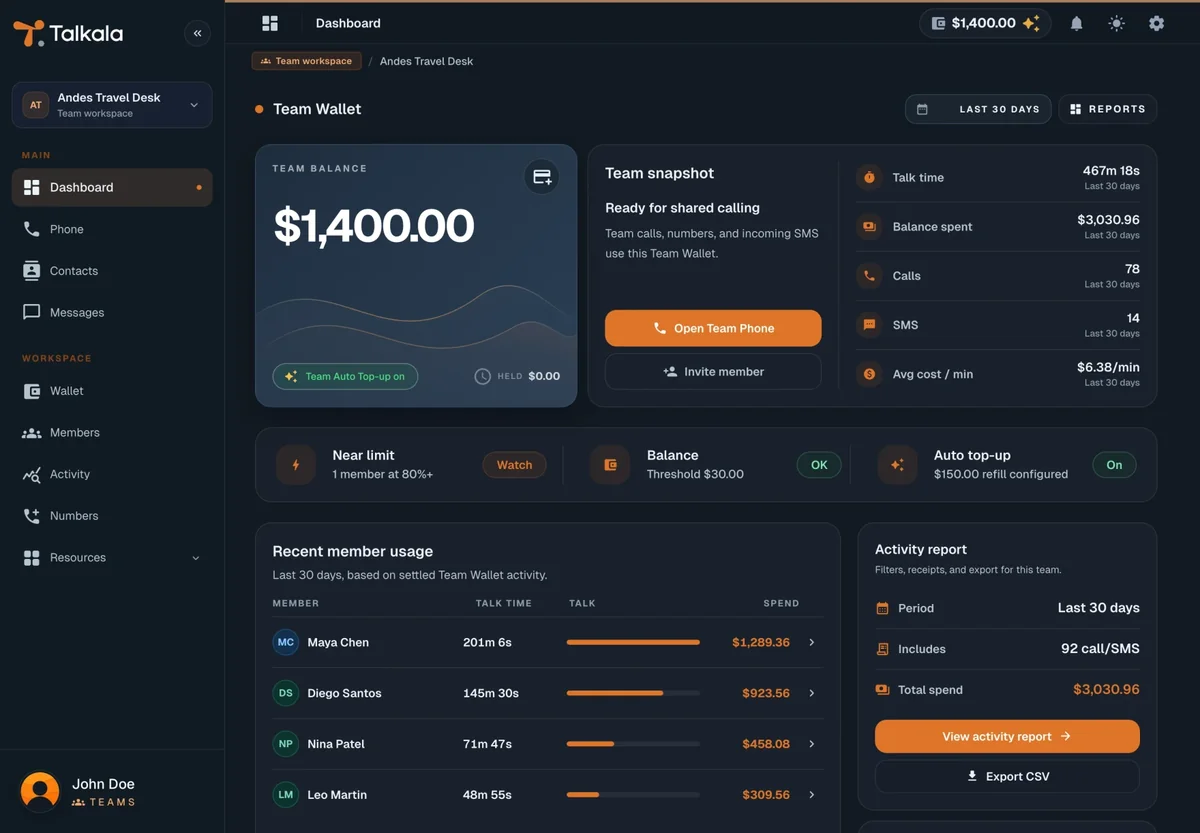
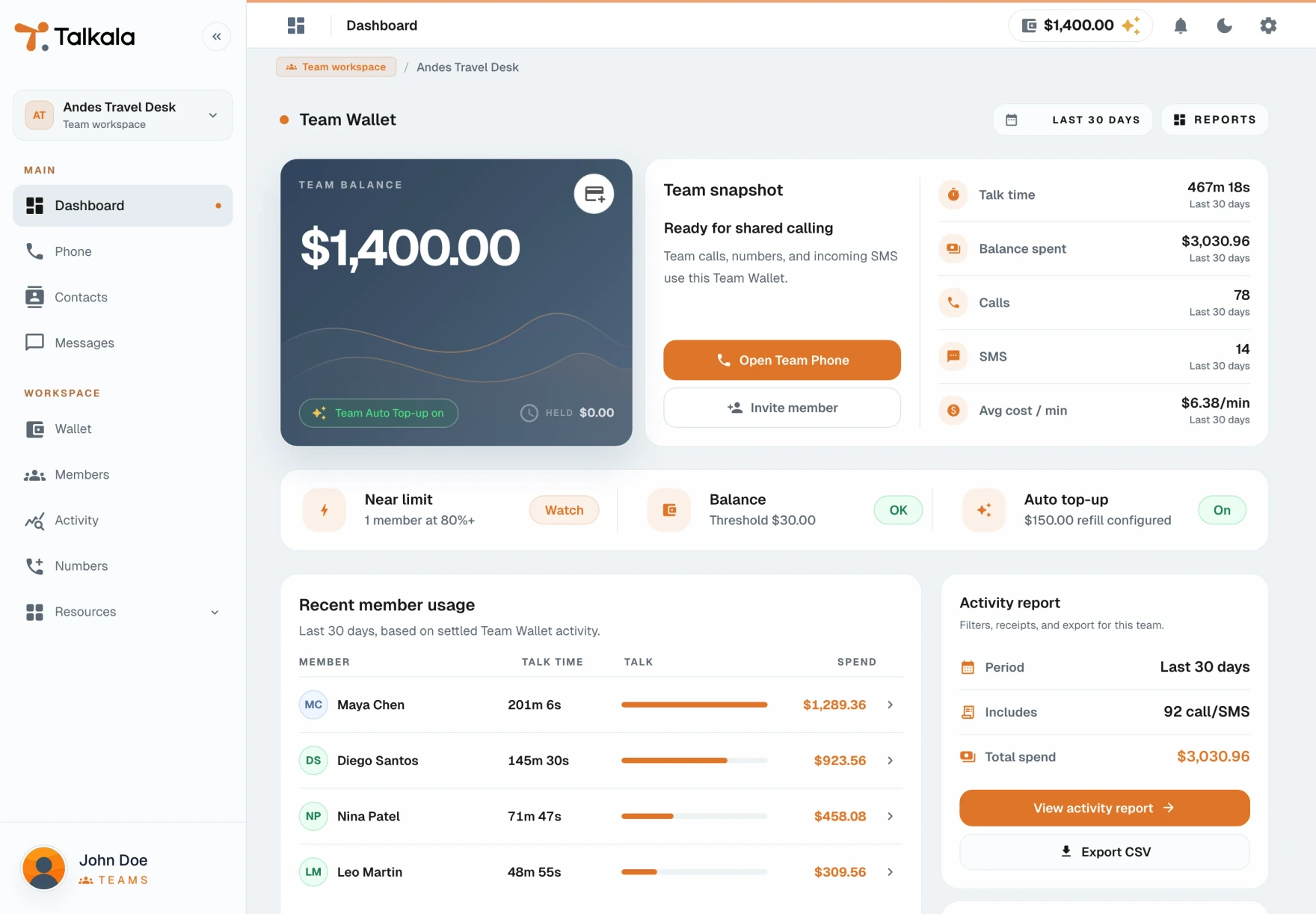
Shared balance, members, contacts, billing, and activity in one workspace. Pick a screen below.
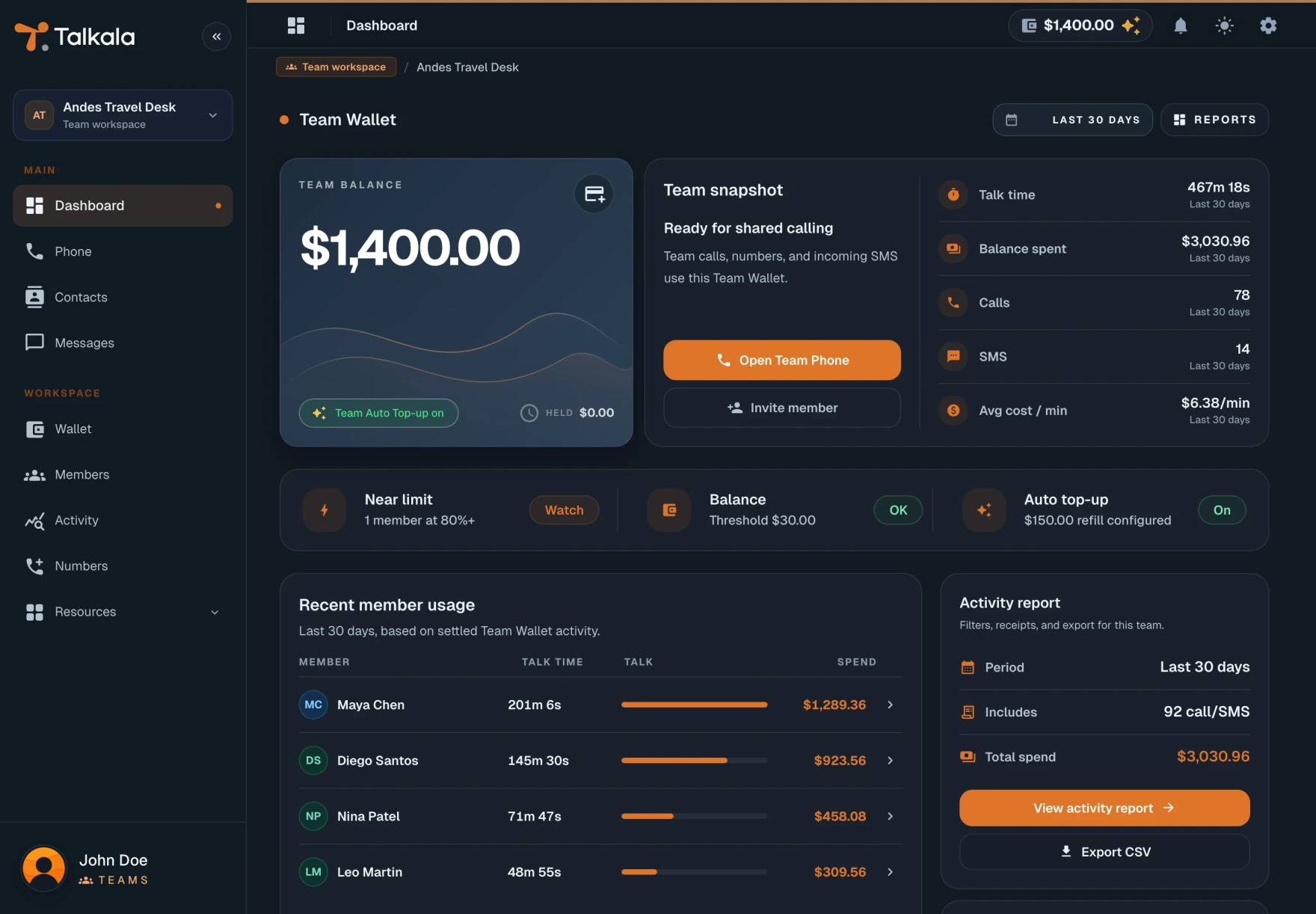
What your team gets in one workspace
Shared credit, team-owned numbers, contacts, and call history for small teams that call abroad often.
Fund calls with Team Credit
Add credit by card. The team balance pays for calls, while personal credit stays separate.
- From $150 to start
- One balance for the team
- Personal credit stays separate
Invite members without sharing logins
Review team calling and activity
Caller ID people recognize
Team numbers and SMS inboxes
Shared contacts and simple controls
Keep Team Contacts in one list. Use owner, admin, and caller roles with optional monthly calling limits.
Published rates for international calls
Compare these per-minute rates with carrier roaming or expense reimbursements. Team calls use the same published rates and draw from the team balance.
Live rates from the Talkala pricing directory. Destinations without a current price stay listed without a rate.
View all ratesListed rates are typical country rates. Some specific phone numbers can cost more. Enter the full number before calling to see the final Talkala rate.
What you can use today
Set up the team yourself, without a sales call. Credit, invites, and team-owned numbers are already in the app.
Good to know: Talkala for Teams focuses on outbound international calls from the browser. See the FAQ below for scope questions.
$150 minimum Team Credit
Owner, admin, and caller roles
Personal stays separate
Invite links match the email
Common questions before you create a team
Give your team one place to call abroad
Create a team, add credit, invite your callers, and keep team calls and costs together.