

When did I call?
See the date and time for past calls, so you can match them to support tickets, appointments, or follow-ups.
Call history turns each finished call into a clear record. You can review who you called, when it happened, how long it lasted, what rate was used, and what it cost when those details are available.
The short version
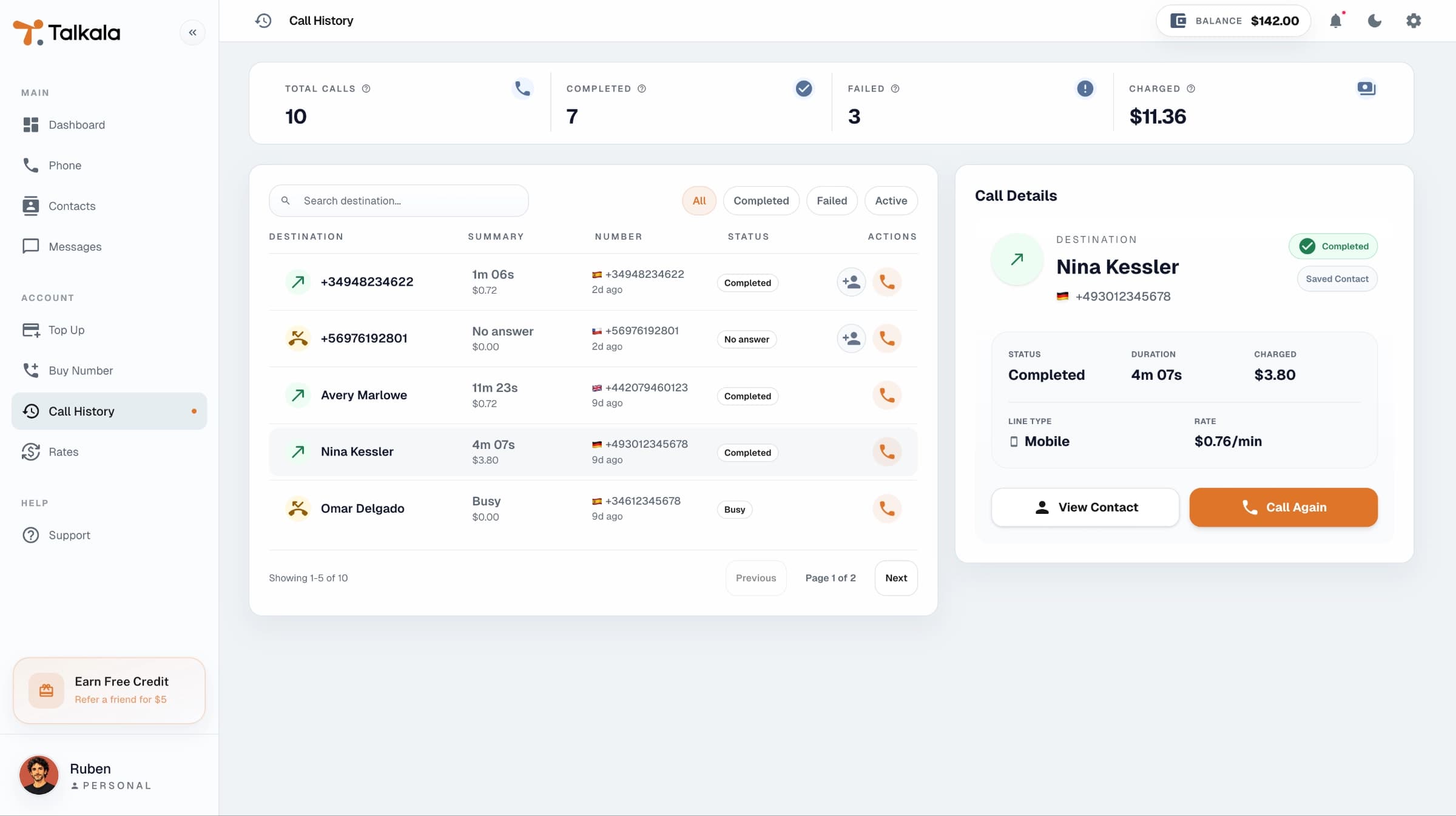
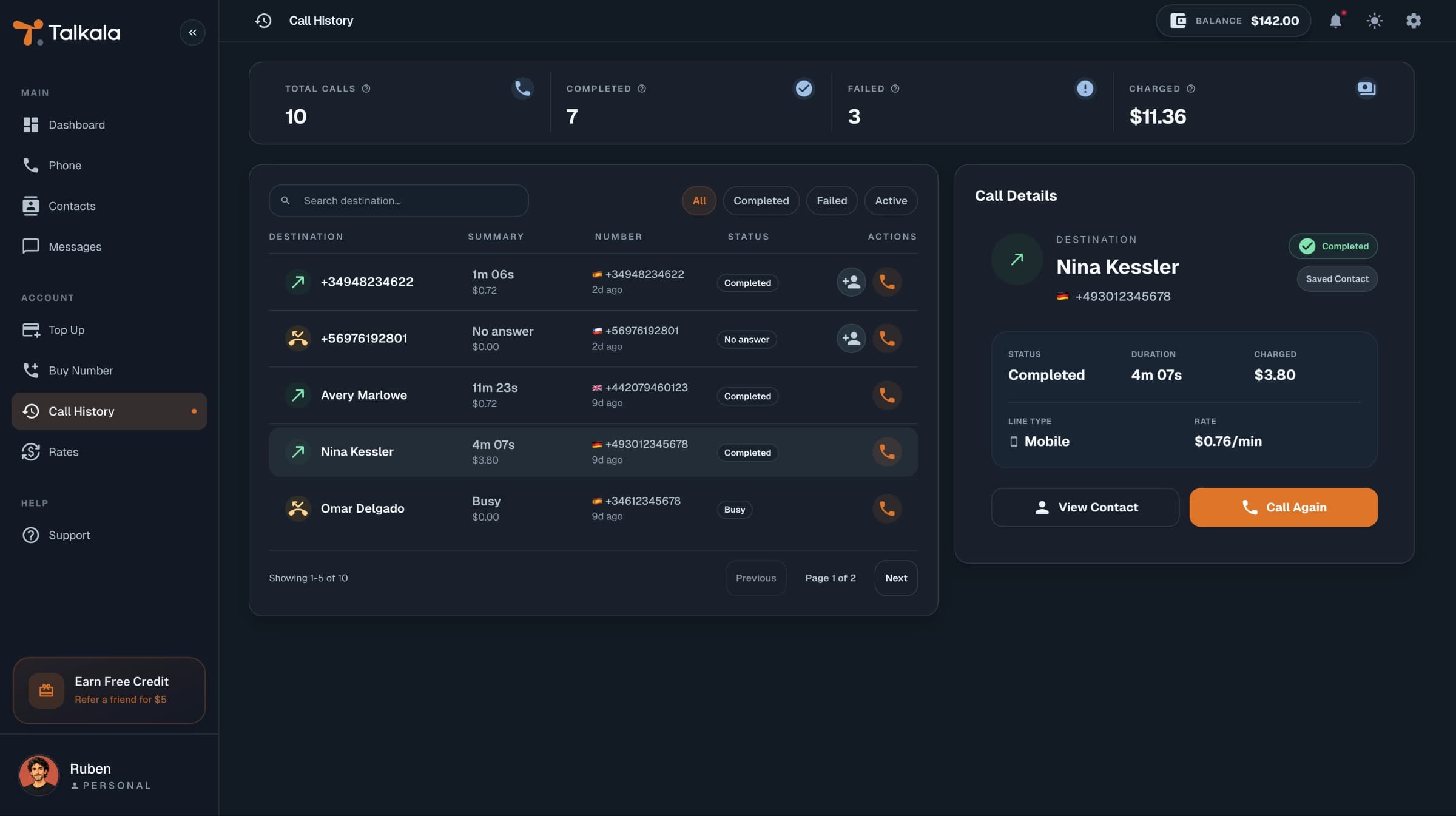
After a call finishes, Talkala keeps a record so you are not relying on memory or a vague phone bill. The history view is meant for quick scanning, while call details explain the important billing and status information behind a specific call.
The useful questions are simple: did the call connect, how long did it last, and what did it cost?
See the date and time for past calls, so you can match them to support tickets, appointments, or follow-ups.
Review call duration after the call ends instead of relying on a live timer.
See a full breakdown of every call, including cost and duration, with the per-minute rate when available.
Call history and wallet activity look at the same event from different angles.
The history entry shows whether the call completed, failed, or ended in another state.
When available, details include duration, rate, mobile or landline type, the amount set aside when the call started, final cost, and status timeline.
Your wallet history shows balance changes step by step: amounts set aside during calls, final charges, returned balance, refunds, added credit, bonuses, and corrections.
Key detail
Call history is a billing and activity record. It is not a call recording system.
FAQ
Call history can show destination, date and time, duration, cost, status, mobile or landline type, and per-minute rate when available.
No. Call history explains the call. Wallet activity shows when credit was added, money was set aside for a call, the final charge was applied, unused balance returned, or a refund or correction was added.
No. Call history is for activity and billing details, not recordings.
Next step
Check the destination rate, place the call from prepaid balance, and review the final details after it ends.