

Use the number as caller ID
Use the same Talkala number as the caller ID when you place calls.
A Talkala number is a real phone number you rent monthly. Use it as caller ID, receive text replies, and let people call that same number back when receiving is set up. The monthly number cost is separate from your prepaid calling balance.
The short version
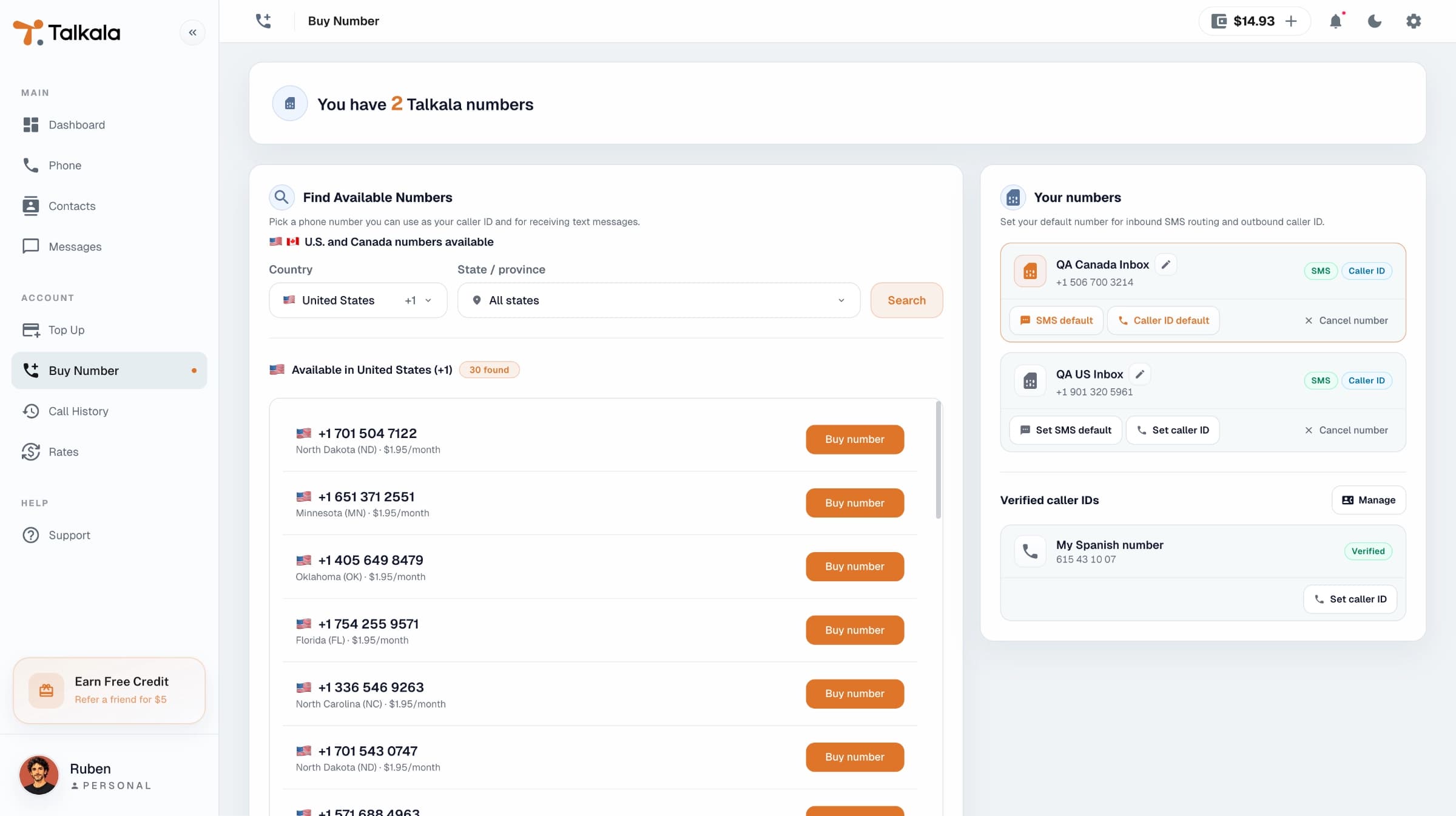
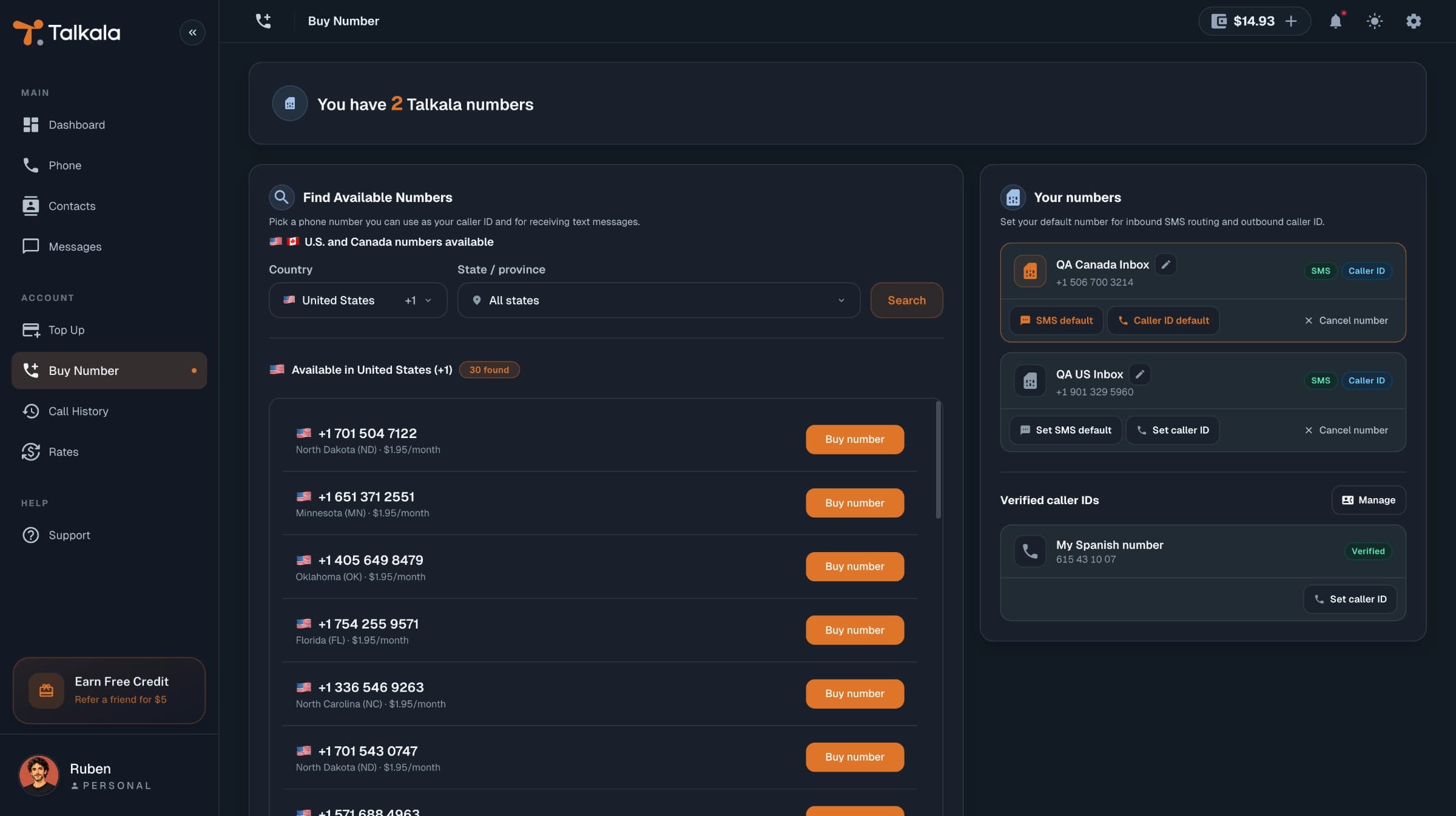
A Talkala number is useful when you want people to recognize the same number each time. It is the real phone number they can text, and when receiving is set up, the number they can call back to reach you in Talkala. In My Numbers, you control its caller ID, received SMS, and call-receiving settings.
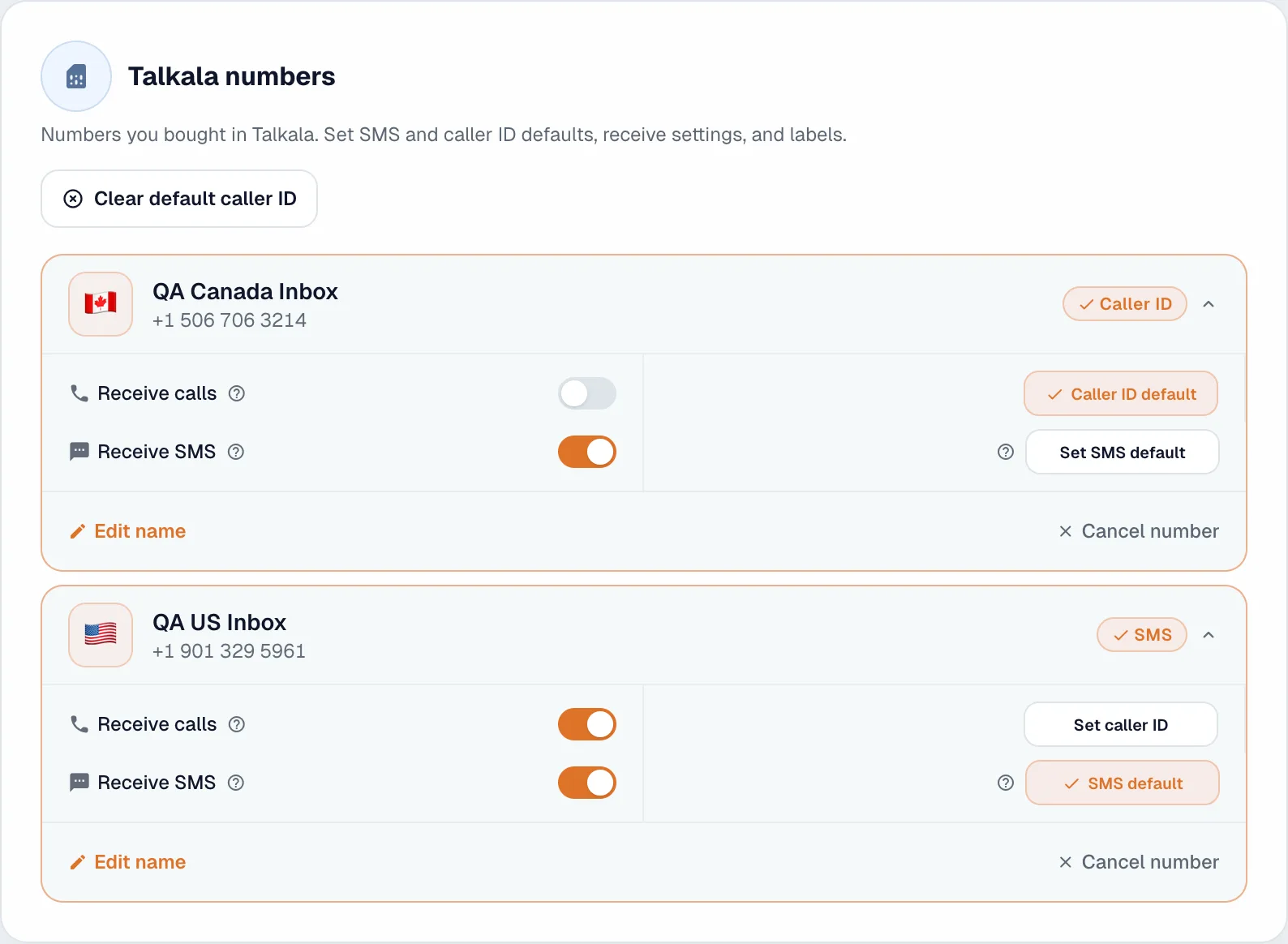
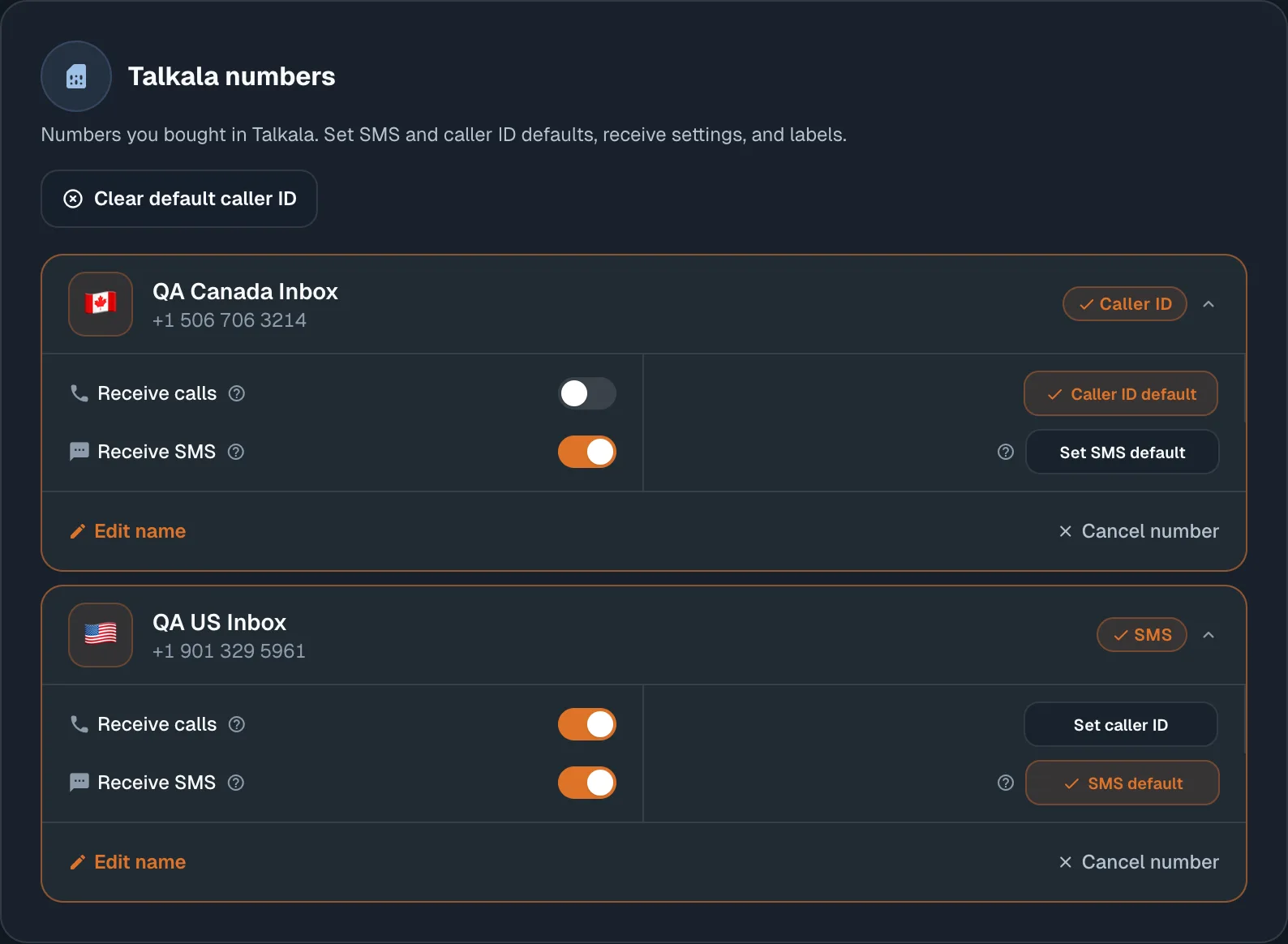
The number controls what people see, where received texts appear, and where calls back can ring. Calls themselves still use prepaid balance.
Use the same Talkala number as the caller ID when you place calls.
Receive text-only replies in the browser Messages inbox for the number you rent.
When receiving is set up for your personal number, calls to your Talkala number can ring in your browser.
Label your Talkala numbers and set defaults for caller ID and the inbox number that opens first.
You rent the number monthly. Calls and received SMS are usage charges, so they stay separate from the number rental.
The number has a monthly cost because Talkala leases it from the phone network.
Calls you make, answered browser calls you receive, and received SMS use prepaid balance. US Talkala numbers cost $0.02/SMS, and Canada Talkala numbers cost $0.03/SMS.
Normal cancellation stops future renewal and keeps the number until its paid-through date. Immediate release removes it now and cannot be undone.
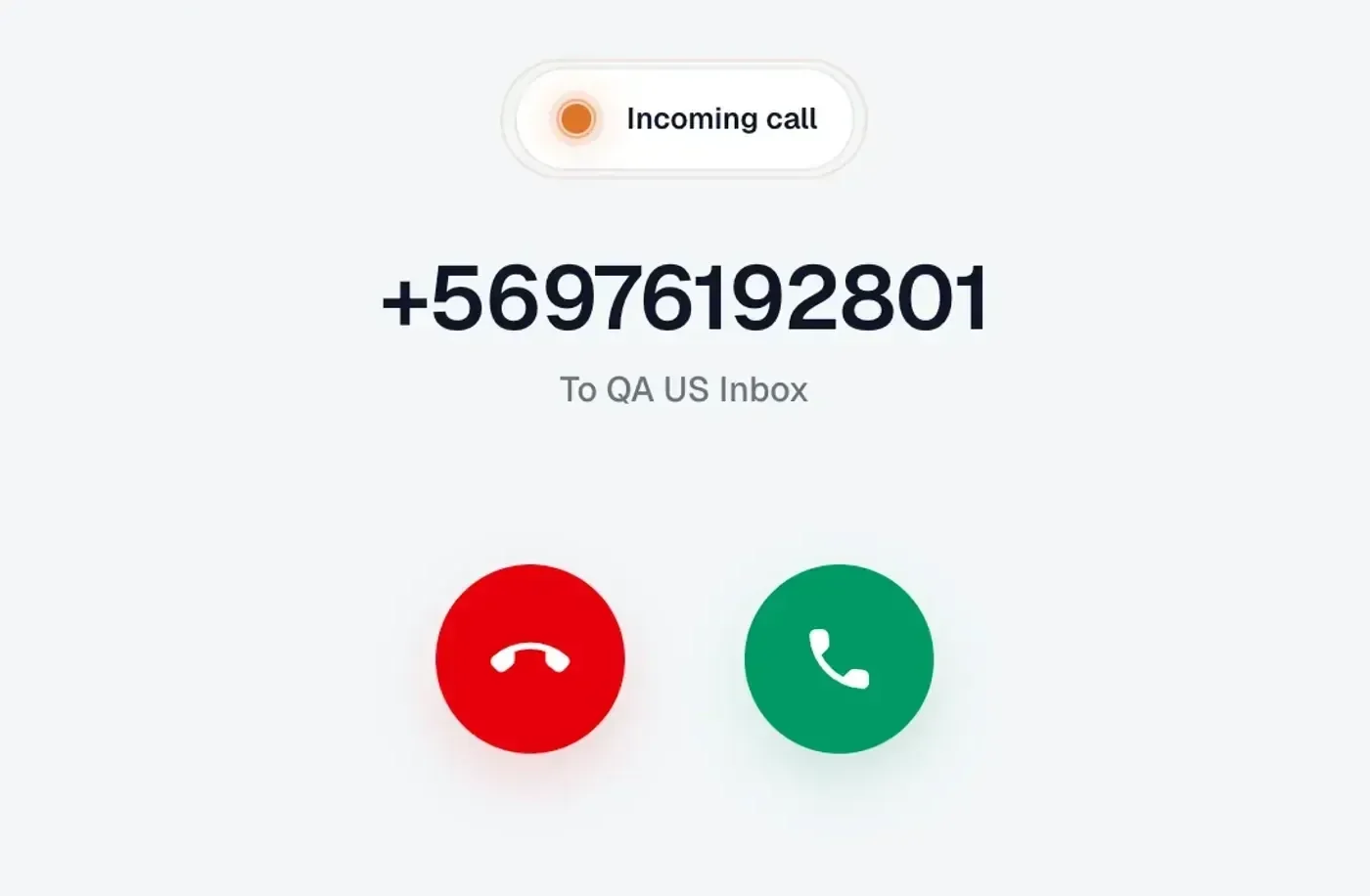
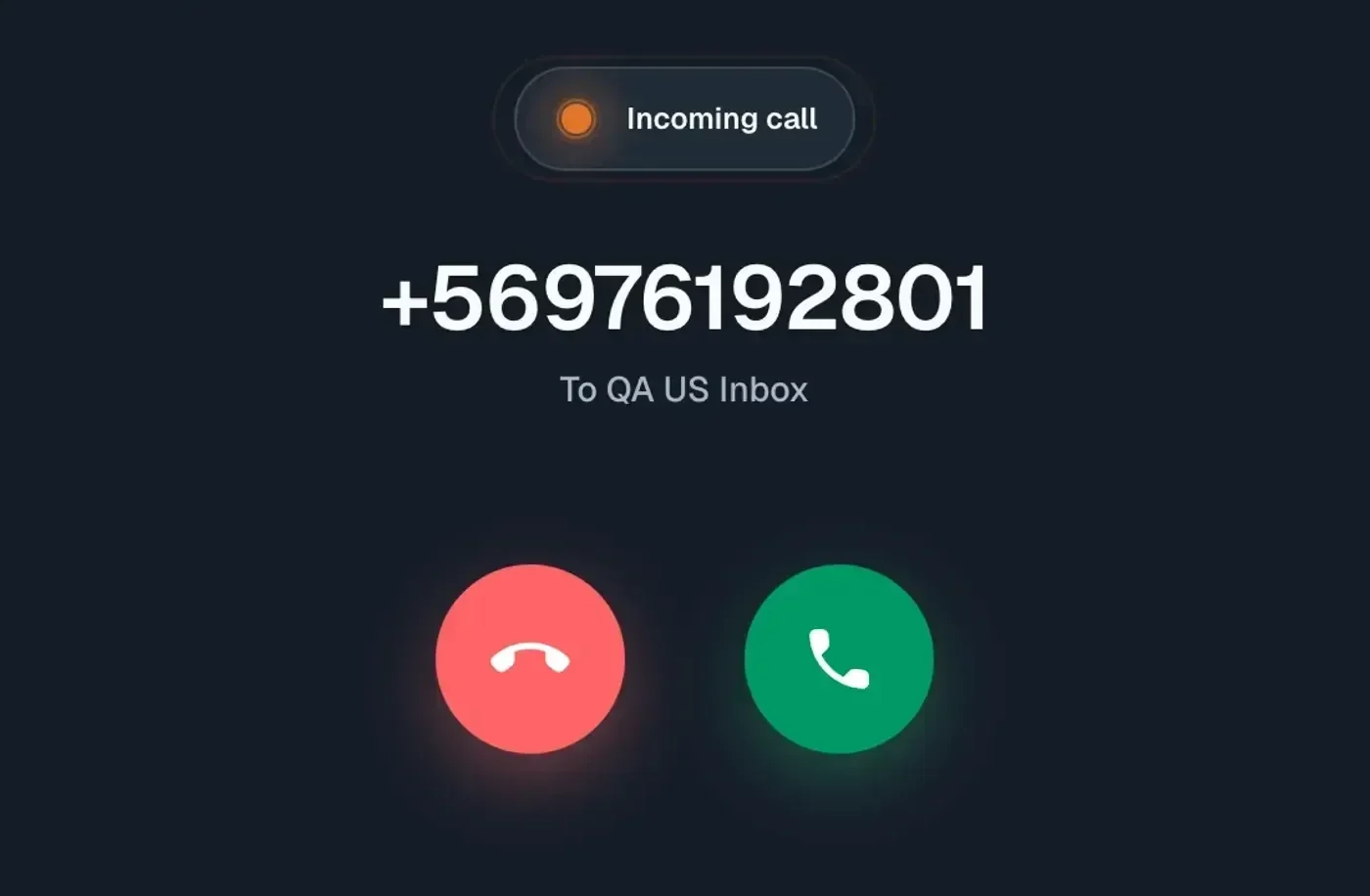
When receiving is set up, Talkala shows the call in the browser with the number calling and the Talkala number they reached. You can answer or decline from Talkala without sending the call to your personal phone.
Key detail
A Talkala number is useful for caller ID, received texts, and calls back to Talkala. It is not a full phone plan.
FAQ
Yes, when receiving is set up for your personal Talkala number. The call can ring in your browser while Talkala is open.
Yes, when the number can receive texts, is still active, and your wallet balance can cover delivery.
No. You rent the number monthly. Calls and received SMS are usage charges paid from prepaid balance.
Next step
Create an account to review number availability, caller ID settings, and SMS options from the signed-in app.