

Get a Talkala number
People need a Talkala number to call back. If you still need one, choose a Talkala number first.
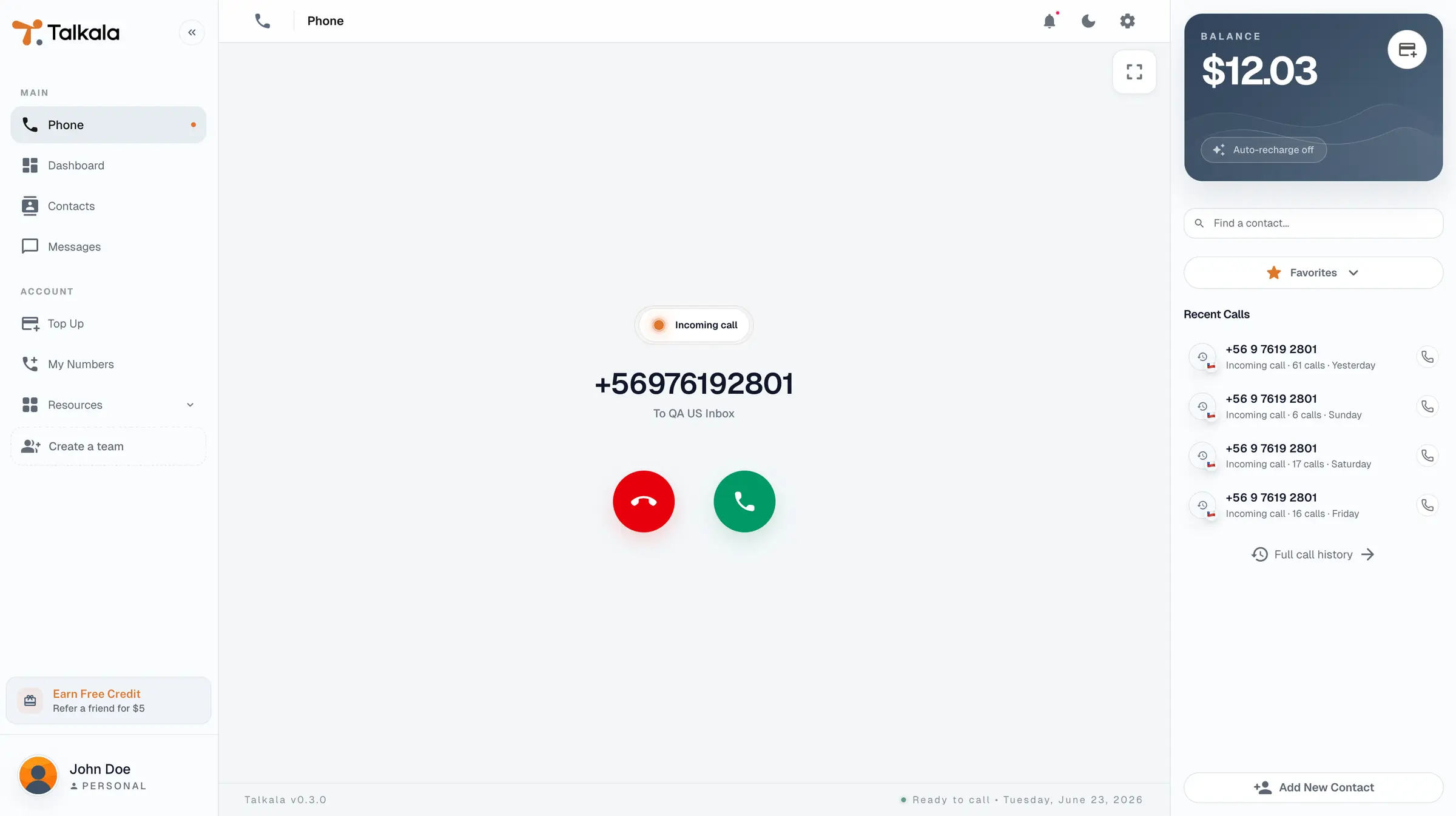
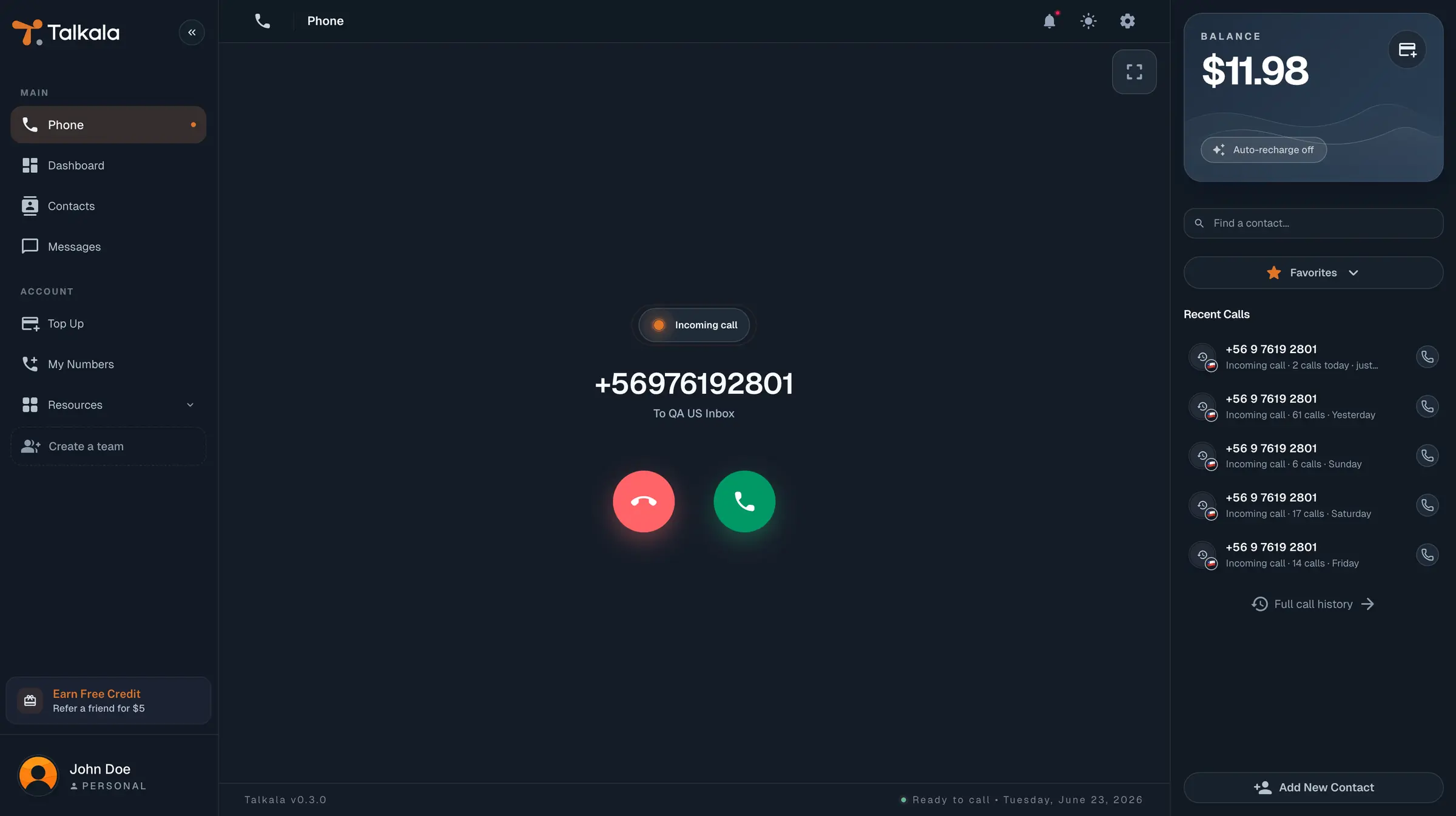
When someone calls your Talkala number, it can ring right in your browser. You pick up from Talkala, not your personal phone, so your number stays private. To use this, you need a Talkala number first. That number is what people call back.
The short version
To receive calls, you need a Talkala number. It's a real phone number you rent monthly, and it's what people dial to reach you.
Once you have one and Talkala is open in your browser, calls to that number ring there. You answer from the same account you use to make calls, so everything stays in Talkala, not on your personal phone.
Don't have a number yet? Start by picking one.
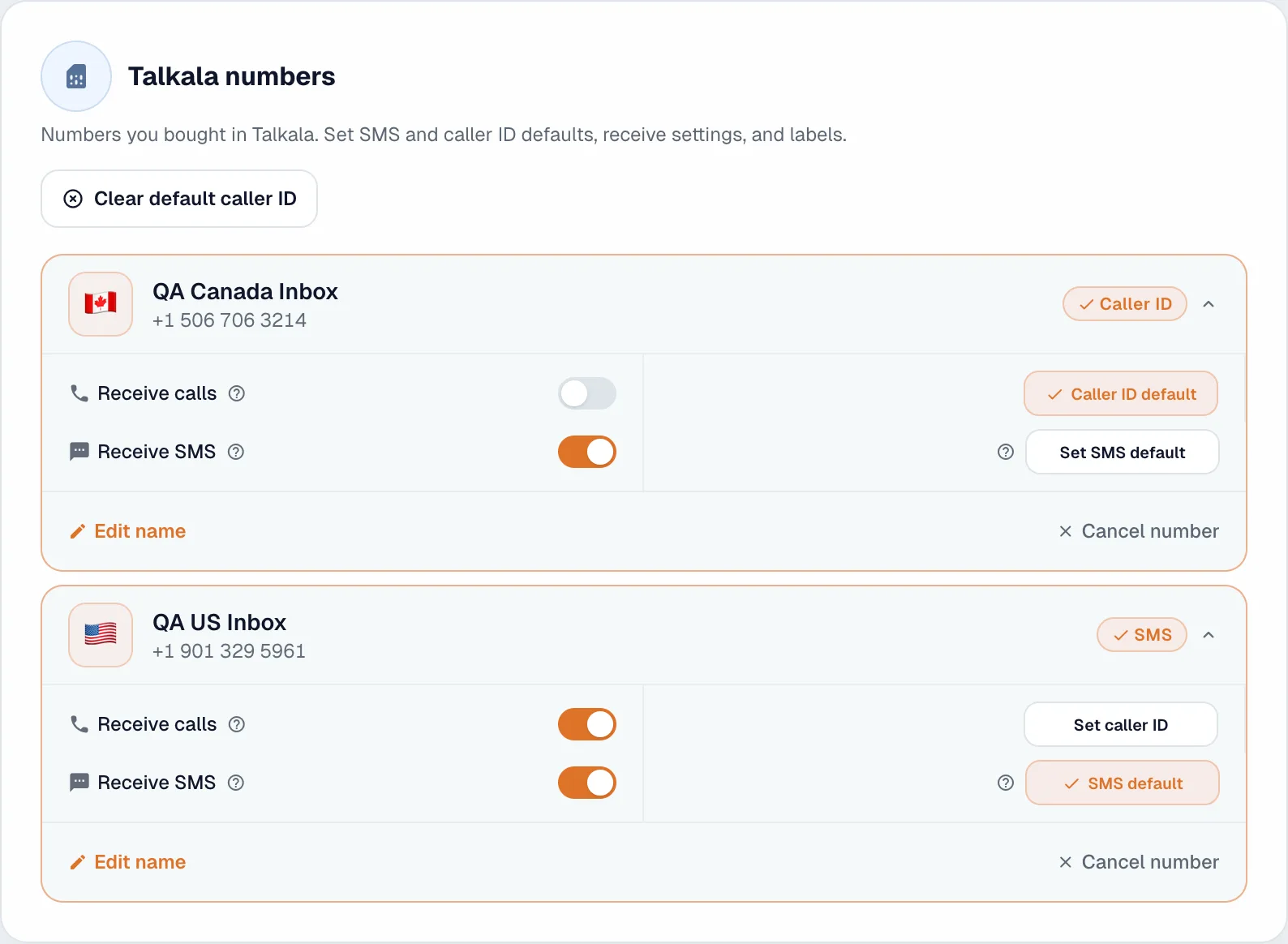
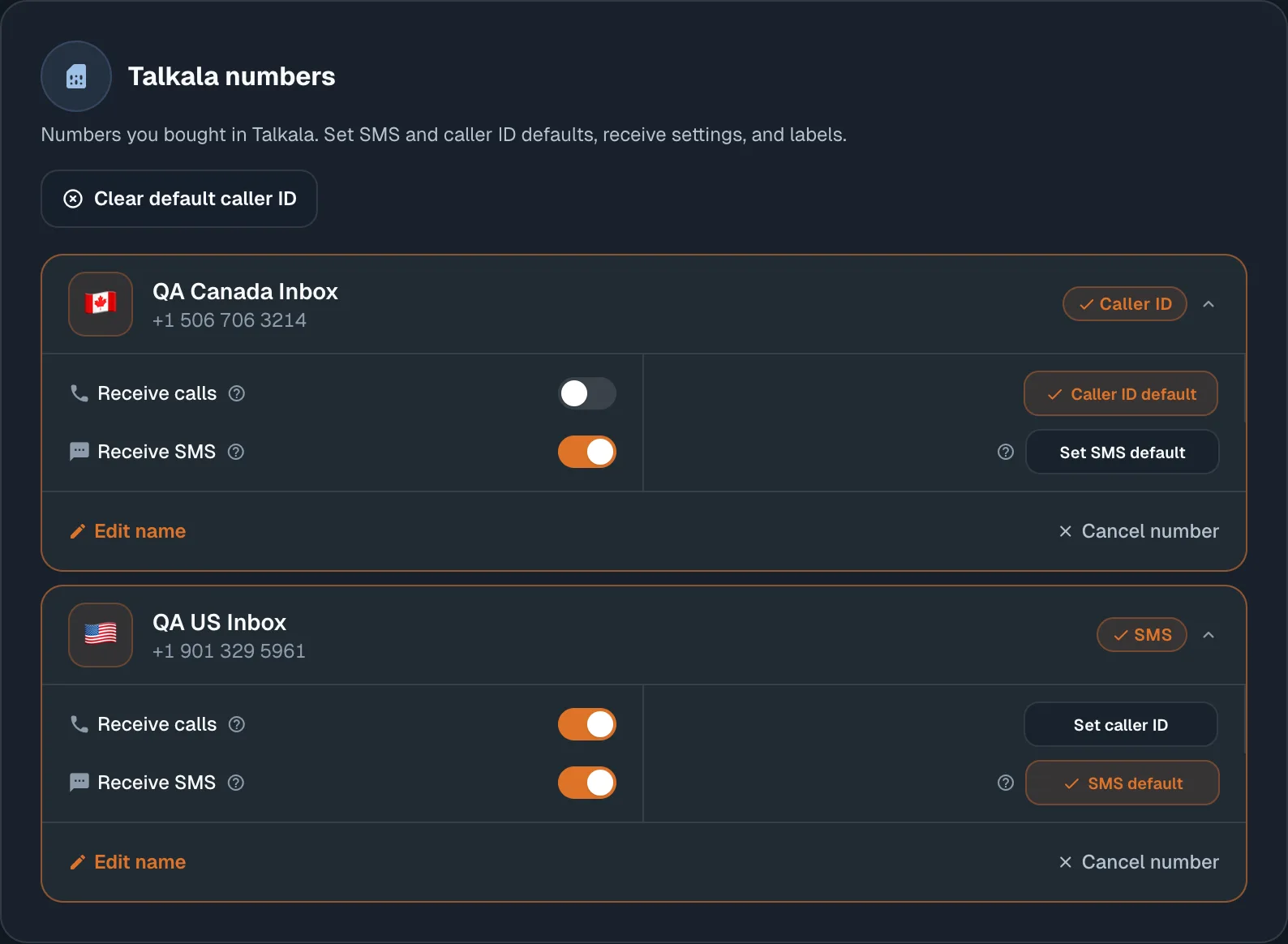
In My Numbers, turn on Receive calls for the number you rent. You can see that switch on the number card.
People need a Talkala number to call back. If you still need one, choose a Talkala number first.
When receiving is set up for your personal number, turn on the switch so calls to that number can ring in Talkala.
Talkala needs to be open in your browser to ring. If you are expecting a call, keep the tab open.
You only pay Talkala when a call actually connects. A missed call is not the same as a conversation, so Talkala does not charge you for it.
When you answer and the call connects, the call uses your prepaid wallet balance.
Missed, declined, busy, unavailable, unanswered, and low-balance calls do not cost you anything from Talkala.
The price depends on the Talkala number receiving the call, not where the outside caller is calling from.
Key detail
Right now this works for personal numbers. Incoming calls for teams are planned for later.
FAQ
Yes, when receiving is set up for your personal Talkala number. The call can ring in your browser while Talkala is open.
No. You answer from Talkala in the browser, so your personal phone number can stay private.
No. You only pay Talkala when a call actually connects. Missed calls do not cost you anything from Talkala.
No. Talkala needs to be open in your browser to ring. If you are expecting a call, keep the tab open.
Not yet. Incoming calls for teams are planned for later.
Next step
Start with the number page. It explains how to rent a Talkala number, use it as caller ID, receive text messages, and let people call that number back.