

Available balance
See the balance available for calls and received texts.
Prepaid calling means you add credit before you call instead of waiting for a carrier bill later. With Talkala, calls you make, answered browser calls you receive, and received SMS use your available balance.
The short version
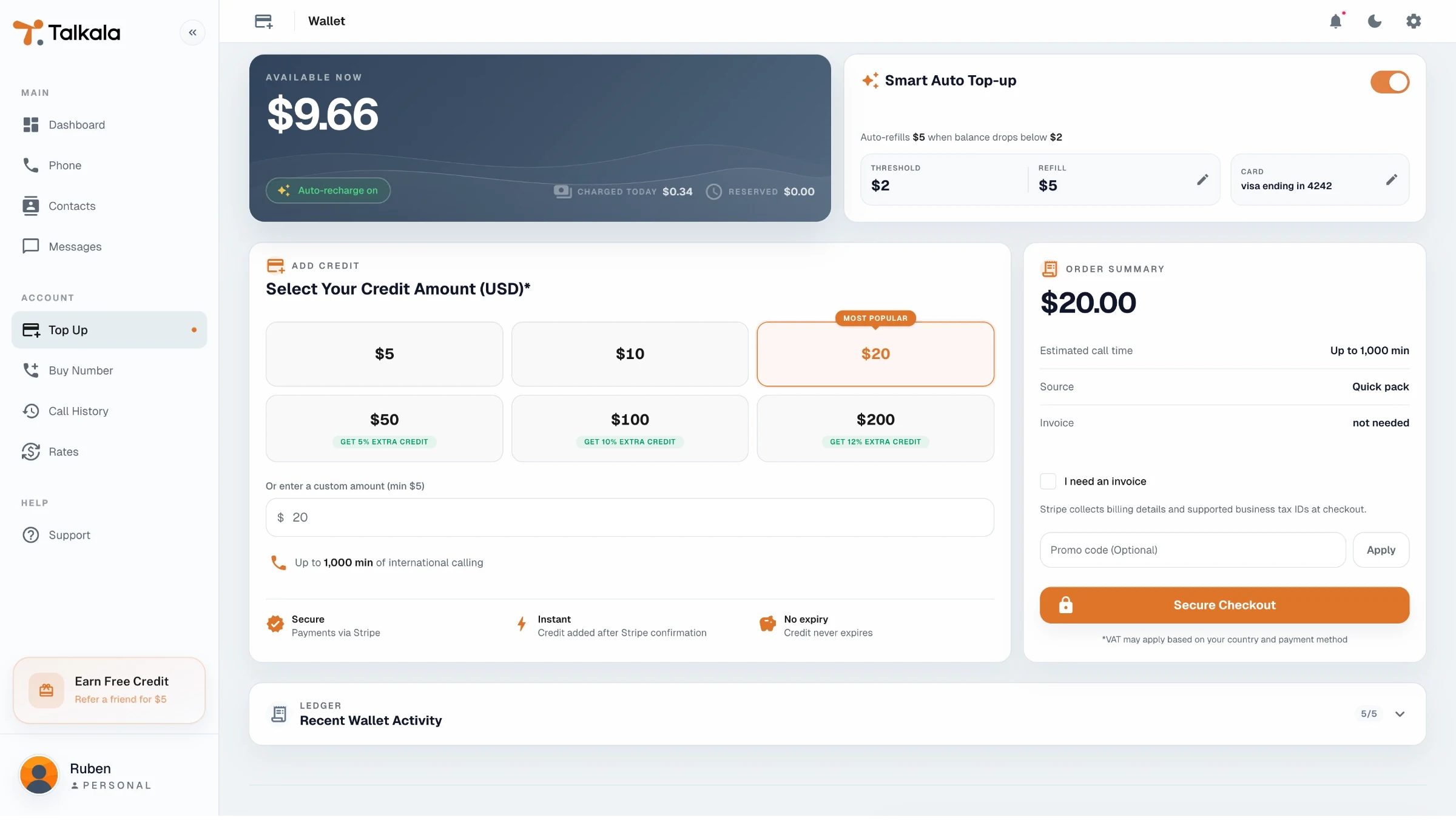
Credit is money added through a top-up, bonus, referral reward, promotion, or support adjustment. Balance is what you can spend after those additions and any charges. Talkala uses it for calls and received SMS.
The wallet page shows how much you can spend and what changed that amount.
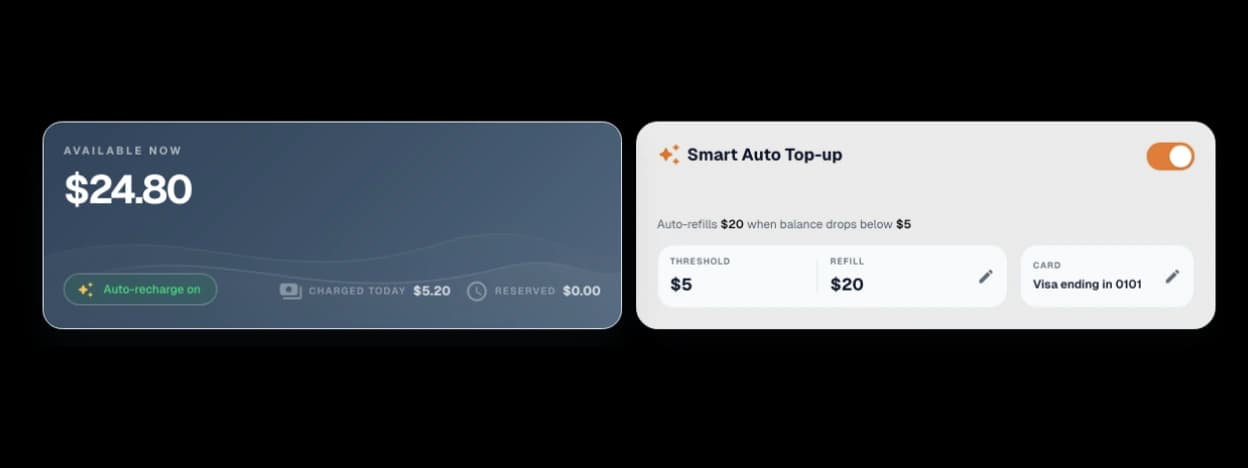
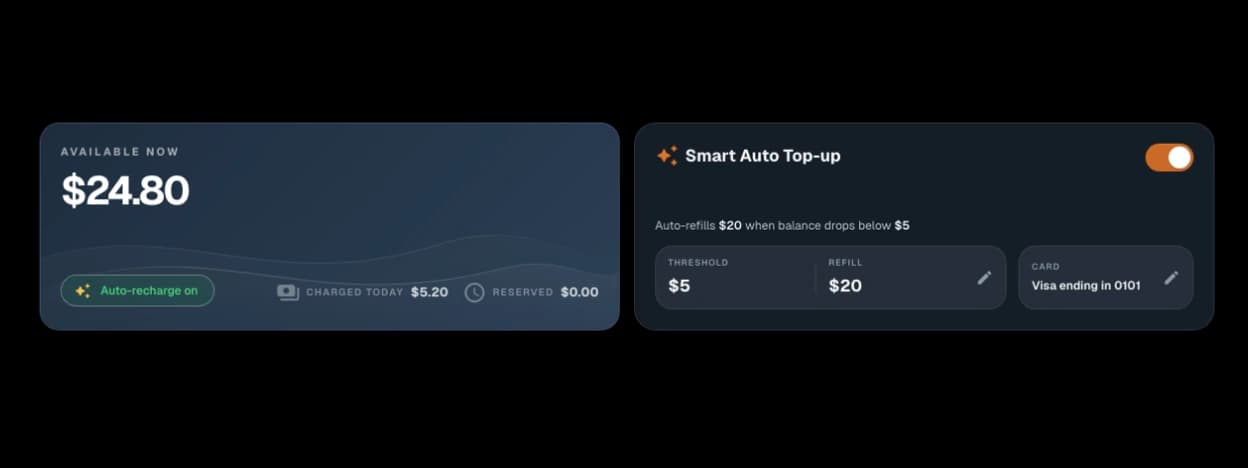
See the balance available for calls and received texts.
Review added credit, amounts set aside during calls, final charges, returned balance, refunds, bonus credit, referral credit, and support corrections in time order.
For successful top-ups, expanded wallet rows can link to Stripe-hosted invoices or receipts when they are available.
Talkala applies the final charge after the call ends. Wallet shows each balance change in order.
Before a paid call starts, the dialer shows the minimum balance needed for that call.
Talkala sets aside part of your balance at the start so the call stays within what you can afford.
When the call ends, Talkala applies the final charge and returns any unused amount to your available balance.
You can keep the wallet manual or make refills less hands-on.
Use quick packs or a custom amount from $5 to $1,000 when you want to add credit yourself.
Manual top-ups and qualifying Smart Auto Top-ups can include bonus credit at higher amounts, shown separately from the paid credit amount.
Set a threshold and refill amount with a saved Stripe card so future refills can happen when balance drops below your chosen level.
FAQ
Manual top-ups start at $5. Custom top-up amounts can go up to $1,000.
Talkala usage is prepaid. Paid calls require enough balance to start, and live calls are capped by confirmed credit and other call limits. A temporary hold is not the final charge. See how call billing works.
Successful top-ups can show Stripe-hosted receipt or invoice links when Stripe provides them. If you request an invoice at checkout, Stripe collects billing details and supported business tax IDs.
Next step
Check rates first, then create an account and add credit only when you are ready to call.