
Reaches the branch landline
Bank branches and call centers use regular phone lines. Talkala connects to that phone network so you can reach the department you need.
If your card is frozen or a transfer is flagged, the bank may ask you to call. Talkala lets you reach its local landline from your browser for pennies, see the per-minute rate first, and avoid carrier roaming fees for the call.
The short version

Up to 75x cheaper than standard carrier rates
Pure pay-as-you-go. No subscriptions.
Banks often move fraud alerts, locked cards, transfer holds, and account checks to a phone call. A chatbot may show the problem without being able to clear it, and the branch may need to verify your identity by voice.
That can mean a long call to another country. If you call through a mobile carrier, the time spent on hold may be billed at its international or roaming rate. Talkala lets you check the rate first and place the call through your browser instead.
Call the bank's regular phone line over an internet connection, with the rate visible before you dial.
Bank branches and call centers use regular phone lines. Talkala connects to that phone network so you can reach the department you need.
Talkala runs in your web browser. You can call over a suitable airport, hotel, or other internet connection without using a local SIM or carrier travel pass for the call.
Bank calls can involve long hold times. Talkala shows the per-minute rate before you connect, so you know the calling cost while you wait. See benchmark
Have the bank's number and your account details ready before you open the browser.
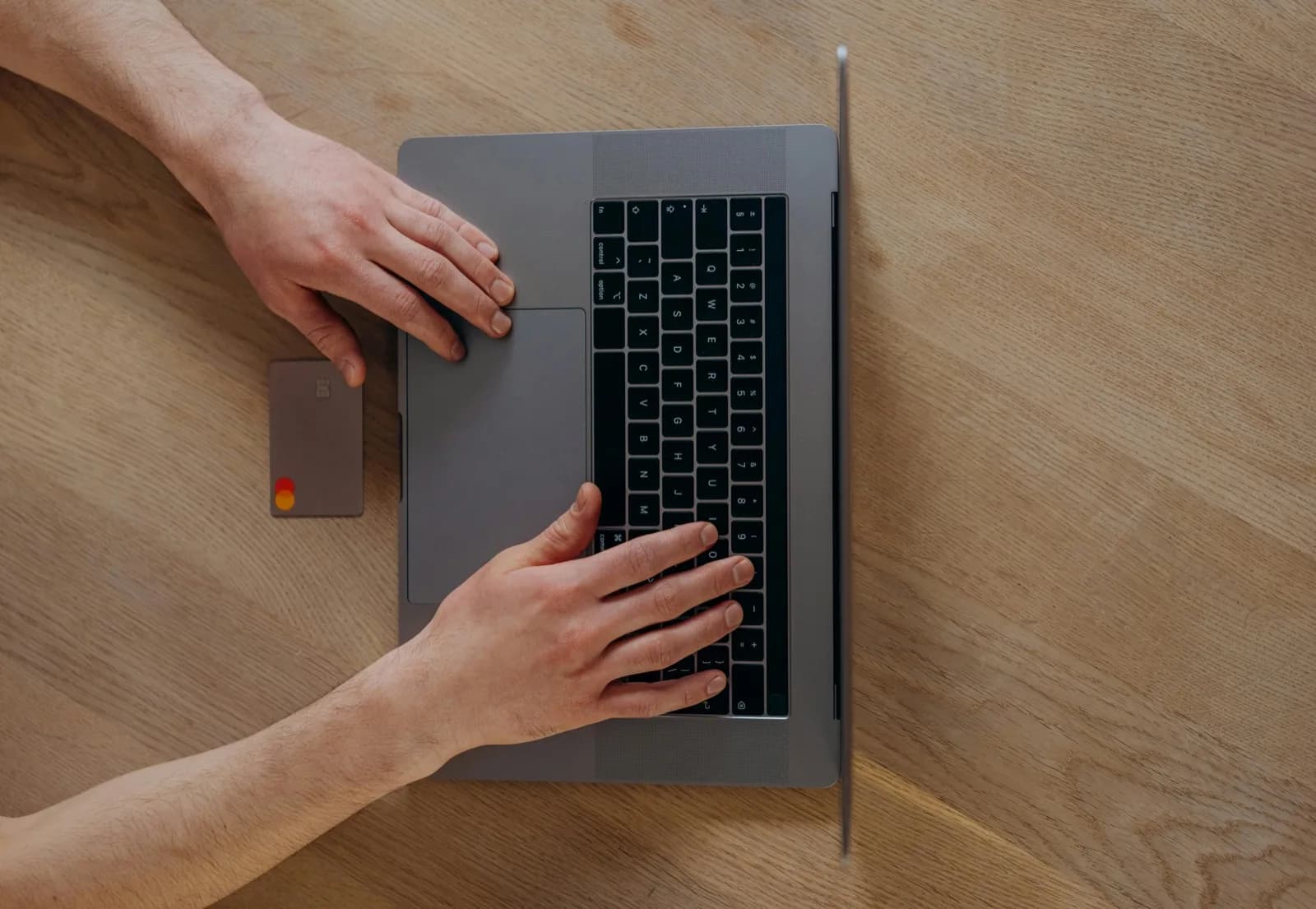
Have your account number or card reference right in front of you.
Confirm the bank's local business hours. Type their number into Talkala to see exactly what it will cost per minute. Double-check whether they listed a landline or mobile number, because rates can differ.
Place the call, follow the bank's identity checks, and note any reference number or next step it gives you.
FAQ
No. You don't need a SIM card or a mobile carrier signal. Talkala works in your web browser using whatever Wi-Fi or internet connection you have.
Talkala shows the pay-as-you-go rate before you dial, so you can estimate the cost of a longer call before joining the queue. Talkala is often far cheaper than standard carrier rates. How we benchmark rates
Yes. Open Talkala in Safari, Chrome, or another mobile browser and dial from there, without routing the call through your carrier's international roaming rates.
Talkala sends your voice over the internet, then hands the call off to the same everyday phone networks that power landlines and mobile phones everywhere. From the bank's perspective, it's the same category of outbound call they'd expect from a handset.
Next step
Check the bank's number and local hours, see the Talkala rate, and call from your browser without carrier roaming fees for the call.