

You need to reach a person
They may not use WhatsApp, may prefer their landline or may be away from an internet connection. Use a working mobile or landline number that can receive an ordinary call.
PRACTICAL CALLING GUIDE
Call their mobile or landline from your browser
Reach a person, hotel or office using their phone number. You need an internet connection to call with Talkala. They do not need WhatsApp, a Talkala account or internet to answer.
Eligible new personal accounts with zero available balance can try one free 60-second call before their first paid top-up, without adding a card. Qualifying numbers must cost $0.99/min or less. The dialer confirms eligibility and availability before you call.
You call
Talkala in your browser
Internet connection required
Their phone rings
Regular mobile or landline
No WhatsApp or Talkala app needed
They may not use WhatsApp, may prefer their landline or may be away from an internet connection. Use a working mobile or landline number that can receive an ordinary call.
A hotel, office, bank or airline may publish a regular phone number rather than a WhatsApp calling contact. Use its official international contact number and check that the number is supported.
Your existing phone service may already cover the call. Check its allowance and rate before buying additional calling credit.
Choose a destination to see the starting price. Check the exact rate for the full number in the dialer.
Where are you calling?
Choose a destination
USD starting rates · US caller ID. Check the exact rate for your number and caller ID in the dialer.
You do not need to move your contacts, change your SIM or delete WhatsApp. Use the number you want to reach.
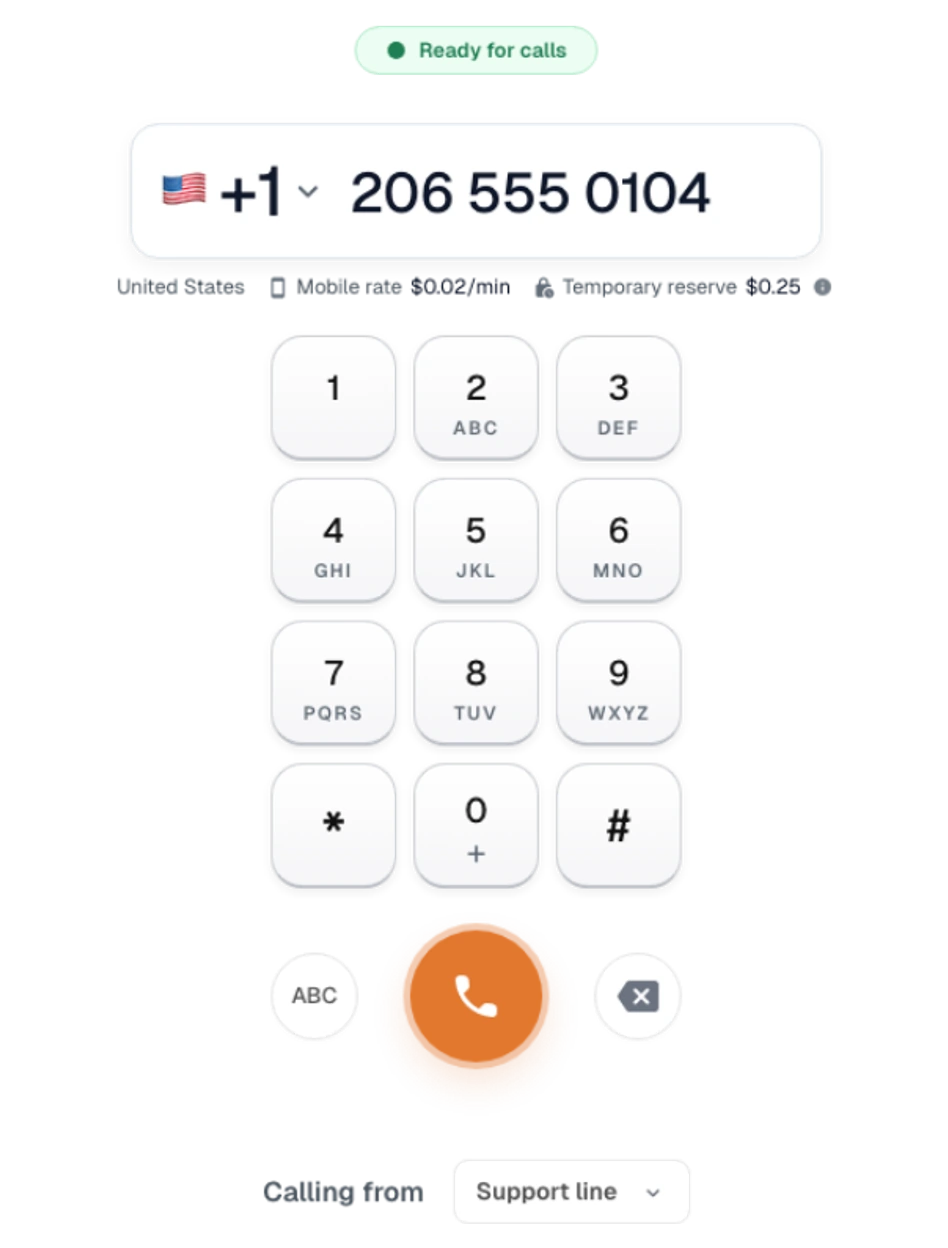
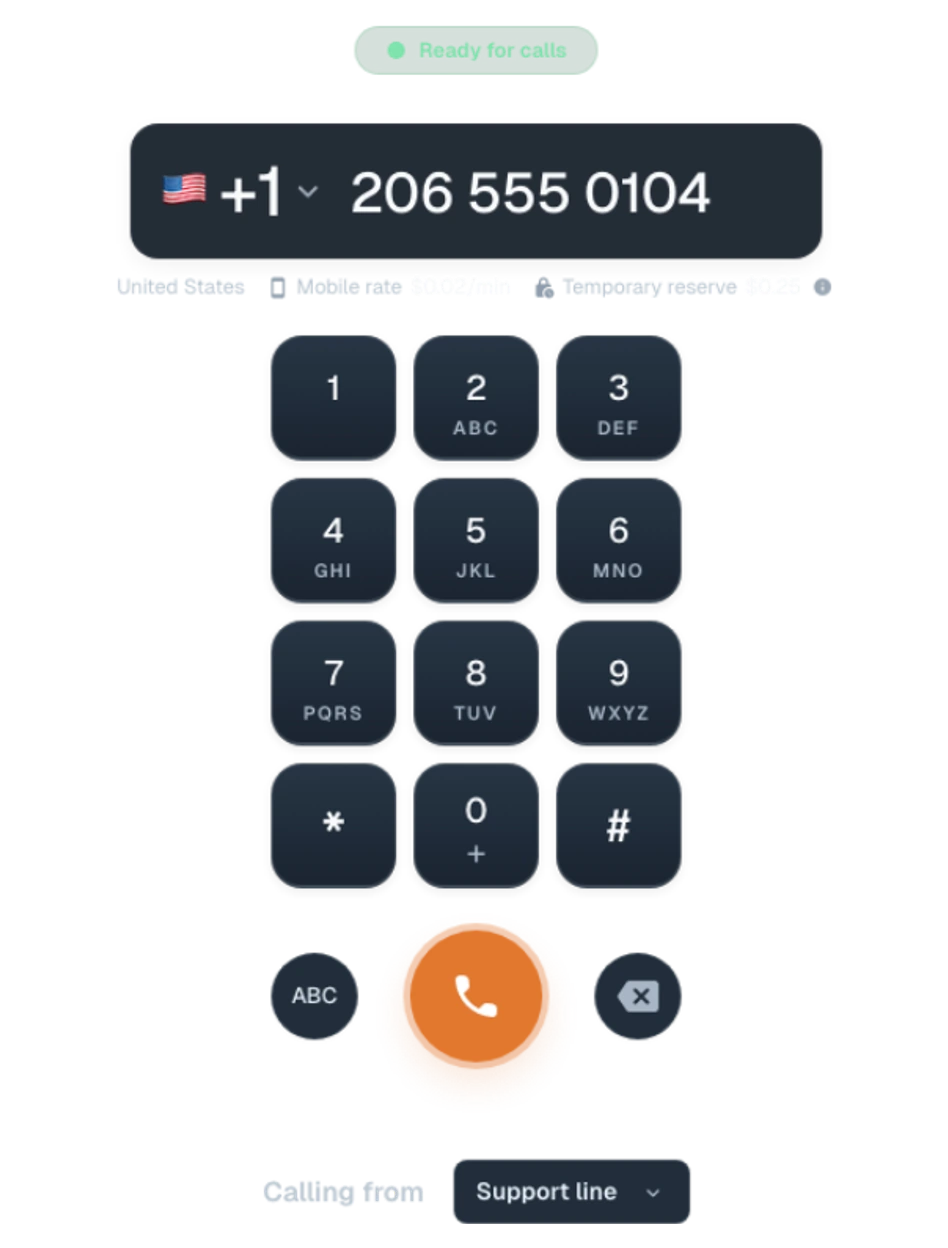
Actual Talkala dialer, captured with a demo number and illustrative rate. Check the current rate for your number before calling.
Create an account or sign in and complete any required verification. Eligible new accounts can try a call before their first paid top-up.
Choose the country and enter the regular mobile or landline number. Use the dialer’s number validation rather than guessing the international format.
Review the rate and any free-call eligibility, allow microphone access and start the call. The recipient answers through their normal phone service.
Talkala cannot make emergency calls. Emergency-calling information.
For a Talkala call to a regular phone number, the requirements are different on each side.
Scroll the table to see the caller and recipient requirements.
| Requirement | You, making the call | The person answering |
|---|---|---|
| Account | A Talkala account. | No Talkala or WhatsApp account required. |
| Connection | Suitable Wi-Fi or mobile internet. | Working mobile or landline phone service. Internet is not required to answer. |
| Device | A supported browser with microphone access. | A phone that can receive the regular call. |
| Calling credit | Available prepaid credit or an eligible free call. | No Talkala credit required. |
Your internet provider’s charges and the recipient’s normal carrier terms still apply.
No internet on your side? Talkala needs an internet connection. A normal carrier voice call may still work with suitable cellular coverage and service. Check your plan’s international allowance and rates.
Yes, when they have a supported regular mobile or landline number. Talkala places a phone-number call from your browser, and they answer through their normal phone service. They do not need WhatsApp or Talkala.
You can try its regular international phone number if that number accepts ordinary phone calls and is supported by the calling service. A WhatsApp account does not guarantee that the underlying phone service is active or reachable.
A WhatsApp call reaches a WhatsApp account rather than placing an ordinary call through the landline network. A business may register a landline number with WhatsApp, but that is still different from ringing the landline itself.
For a Talkala call to a regular phone number, only the caller needs internet. The recipient needs working phone service. If your own internet is unavailable, you need another suitable connection or a carrier voice-calling option.
Talkala runs in supported web browsers, so you do not need to install a separate calling app. You still need a Talkala account, microphone access, suitable internet and either sufficient credit or an eligible free call.
You can call supported regular business numbers. Check the organization’s official international contact number, because toll-free numbers, short codes and other special numbers may not work from every calling service or location.
A different internet-calling service may offer free calls when both people can use it, or your existing phone plan may already cover the number. Talkala’s normal phone-number calls are paid, with a limited first-call offer for eligible new accounts.
It depends on the cause. Calling a supported regular number can help when the person does not use WhatsApp or cannot answer there. Talkala still needs working internet on your side and does not guarantee service where local networks or regulations restrict calling.
No. You can keep WhatsApp and your existing phone service. Use Talkala for particular calls to regular numbers without moving your WhatsApp account or contacts.
Calling details checked September 8, 2026 against Talkala’s current product information and official WhatsApp documentation. Supported numbers, destinations and service availability can change.